# AI 3D Visualization for Architecture & Products | Samsa
> AI 3D visualization: photorealistic renderings of architecture, interiors and products from a 3D model or a photo, in seconds to minutes instead of weeks.
Language: English · Machine index: [https://samsa.ai/llms.txt](/llms.txt)
---
## 3D Visualization with AI: Photorealistic Images. In Seconds, Not Weeks.
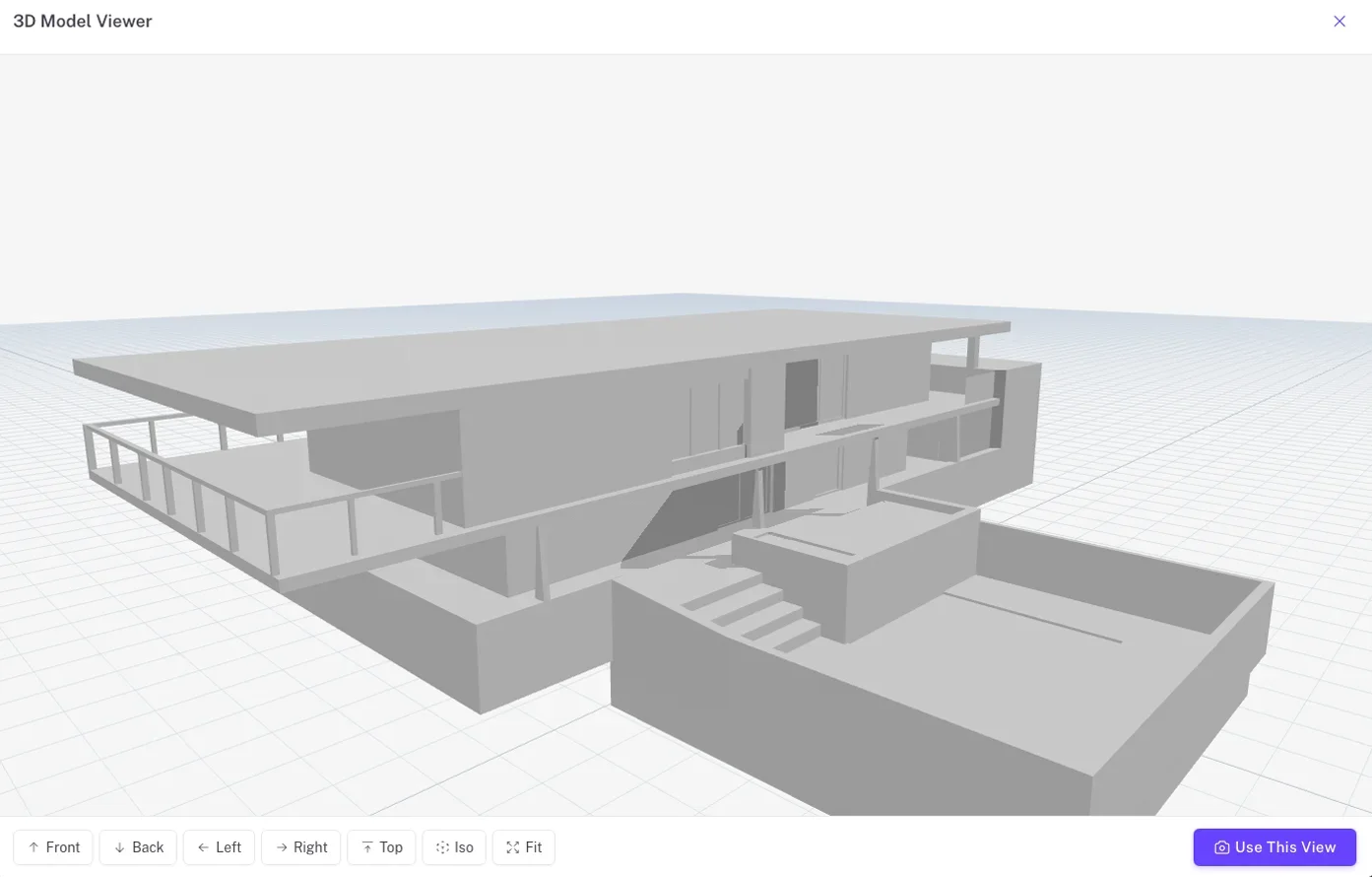
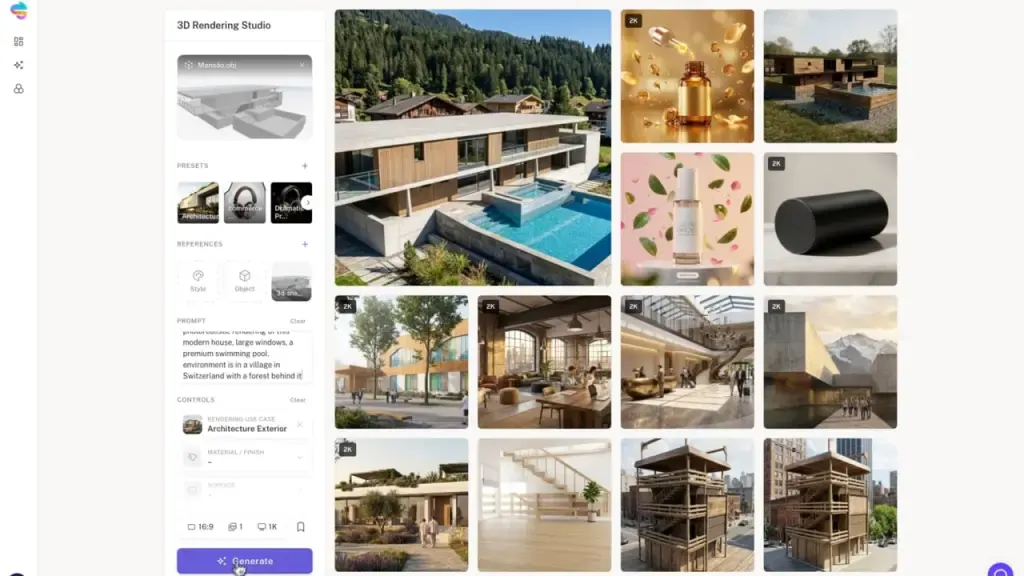
AI 3D visualization with Samsa turns a 3D model or a simple photo into photorealistic renderings of architecture, interiors and products. Upload a .glb, .obj, .fbx or .stl file, or start from a photo, set style and lighting, and get results in seconds to a few minutes instead of the days or weeks a classic rendering workflow takes.
[Sign up for free](https://app.samsa.ai/signup)
[Get a demo](/get-demo/)
Architecture
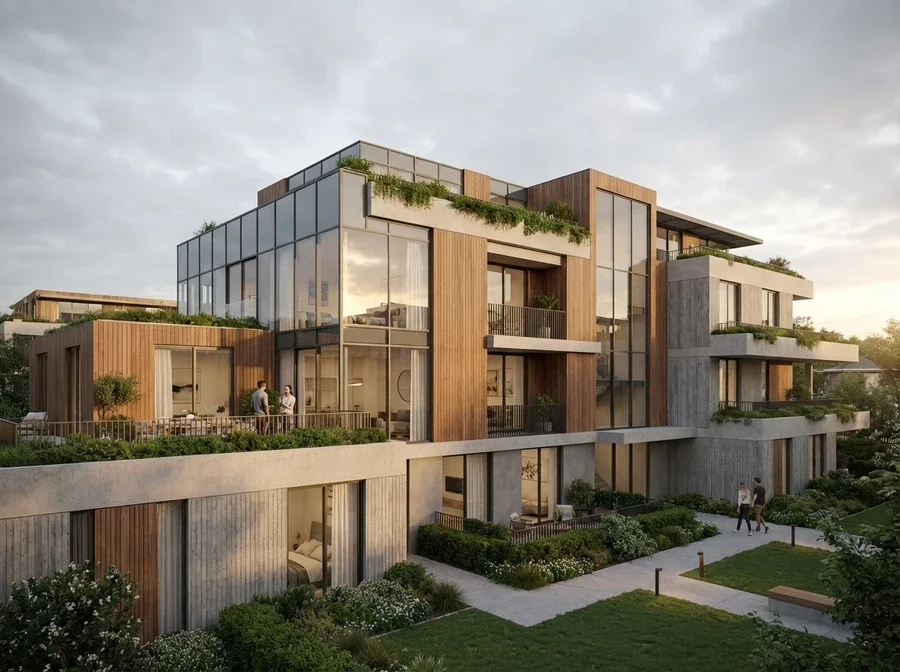
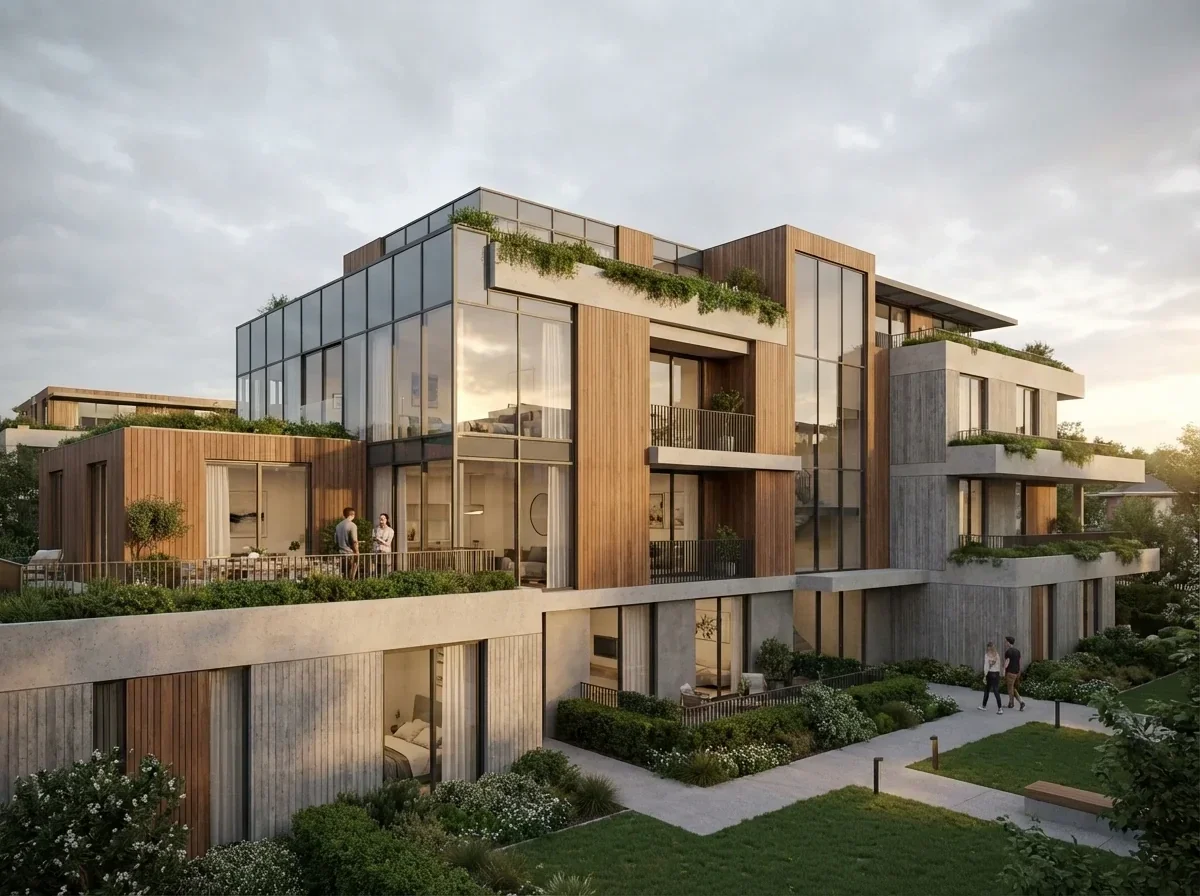
*(image: samsa-ai-3d-visualization-modern-apartment-wood-facade-balconies)*
Interior
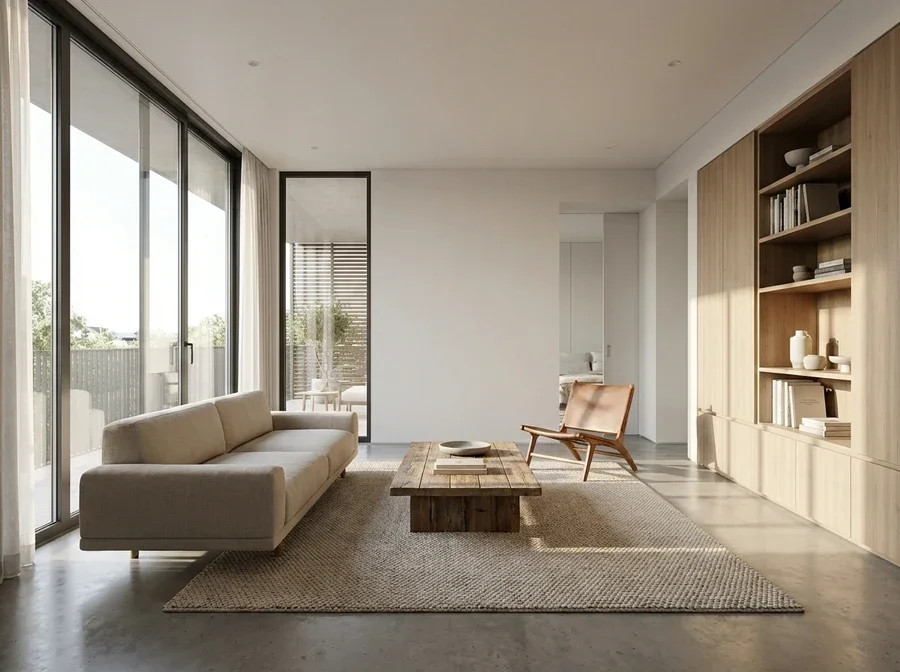
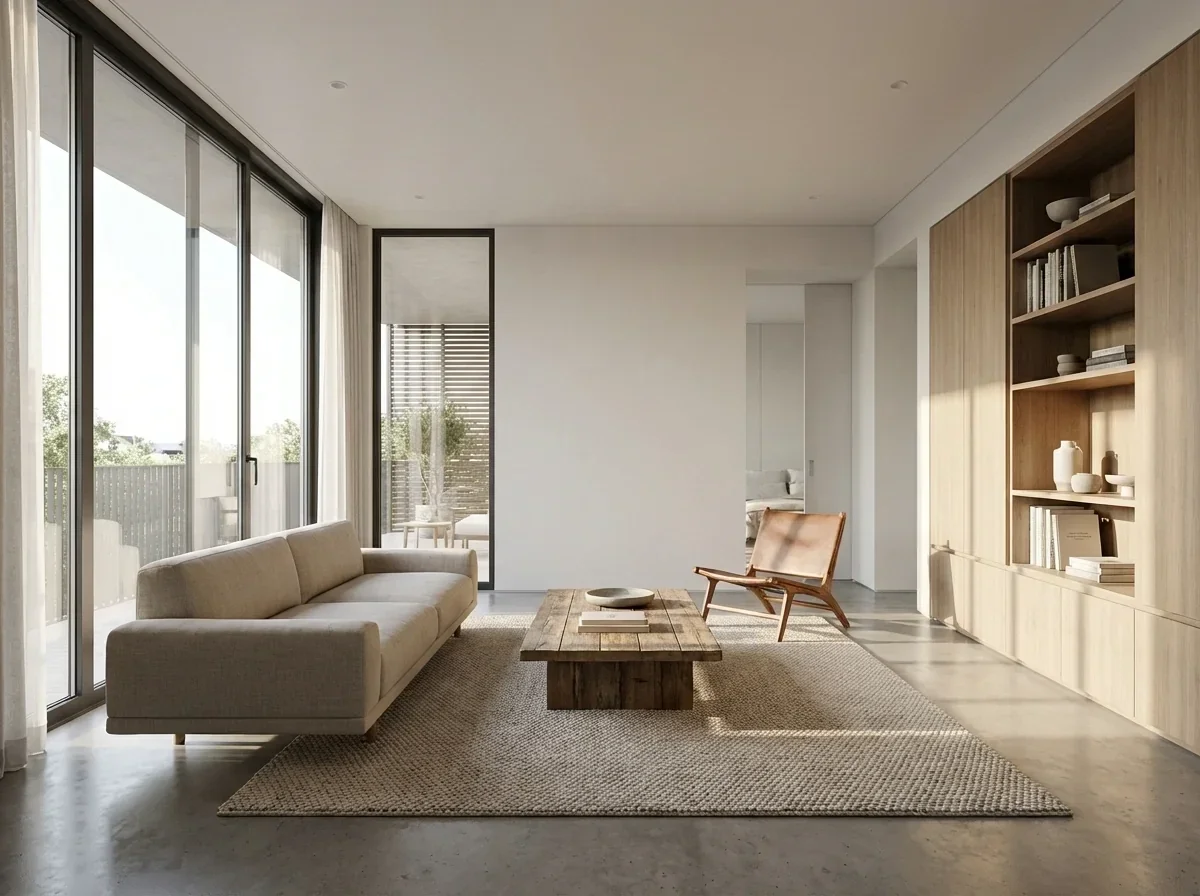
*(image: samsa-ai-3d-visualization-minimalist-interior-oak-bookshelf-concrete-floor)*
Architecture
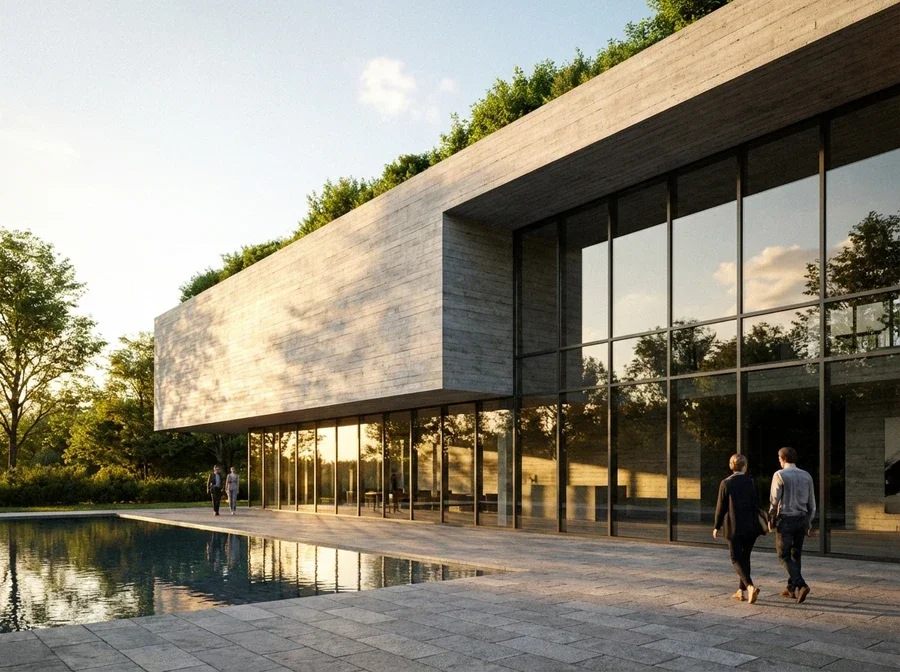
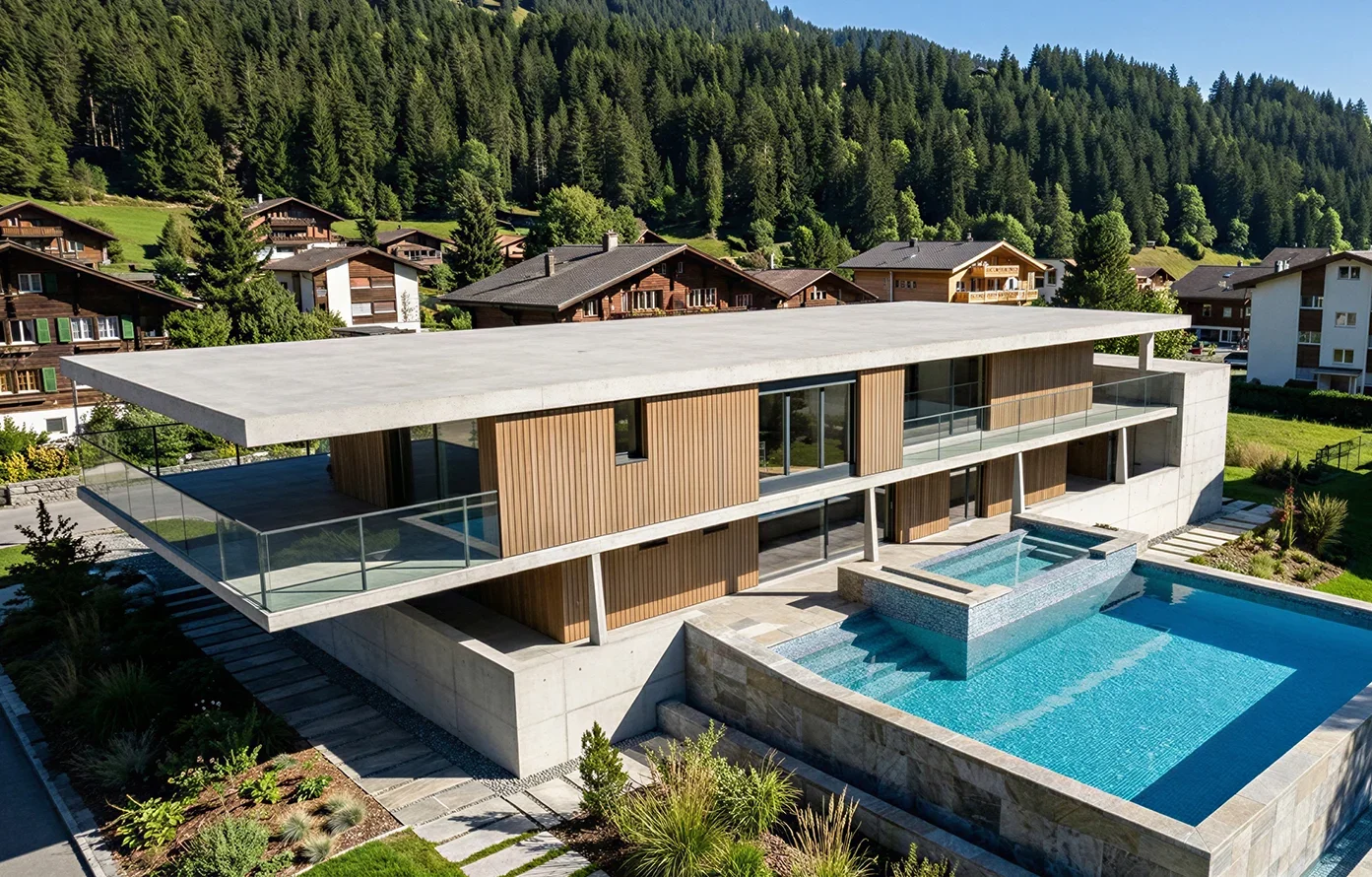
*(image: samsa-ai-3d-visualization-concrete-villa-green-roof-pool-sunset)*
Products
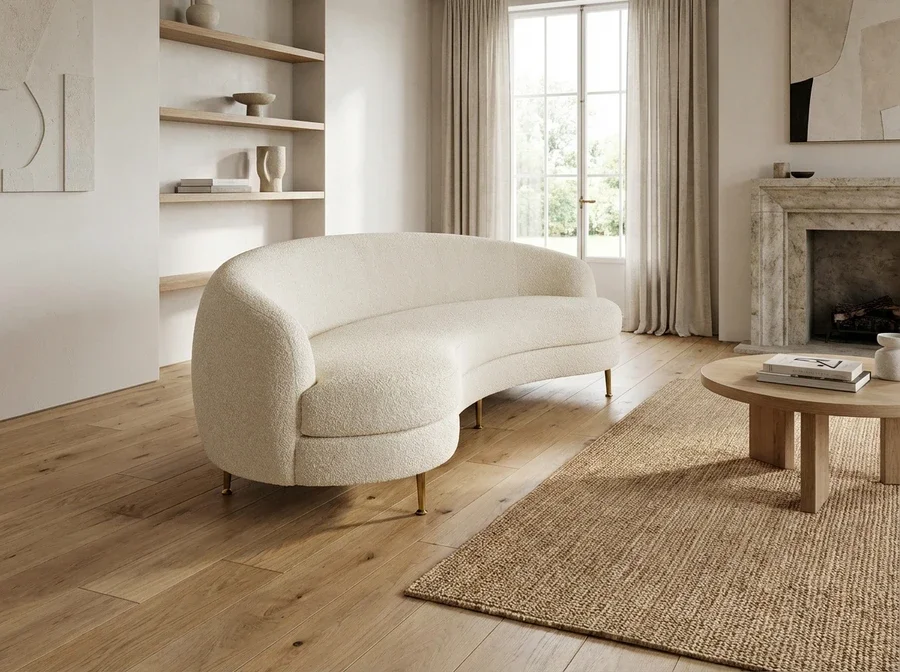
*(image: samsa-ai-3d-visualization-boucle-curved-sofa-elegant-interior)*
Interior
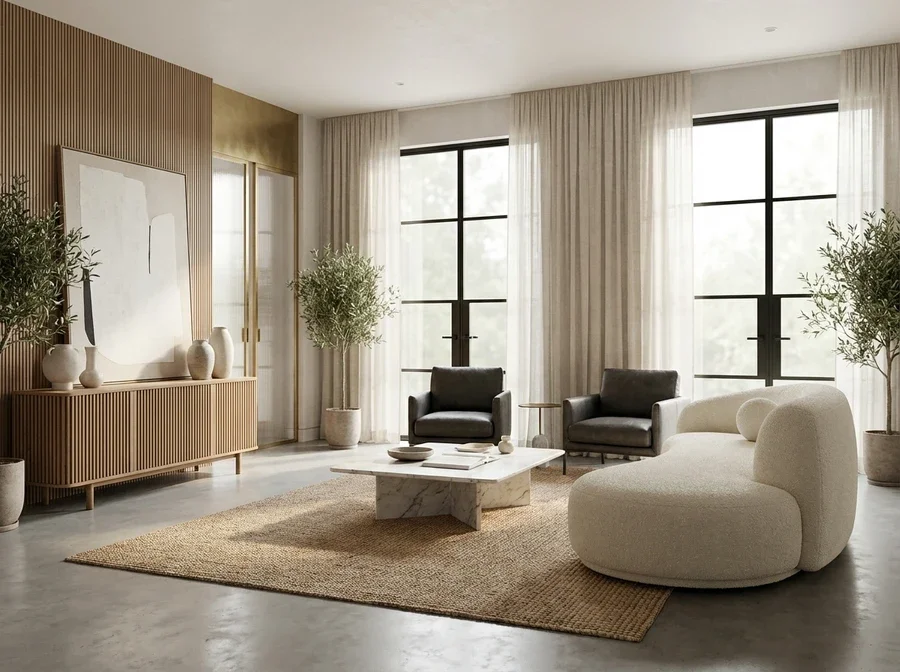
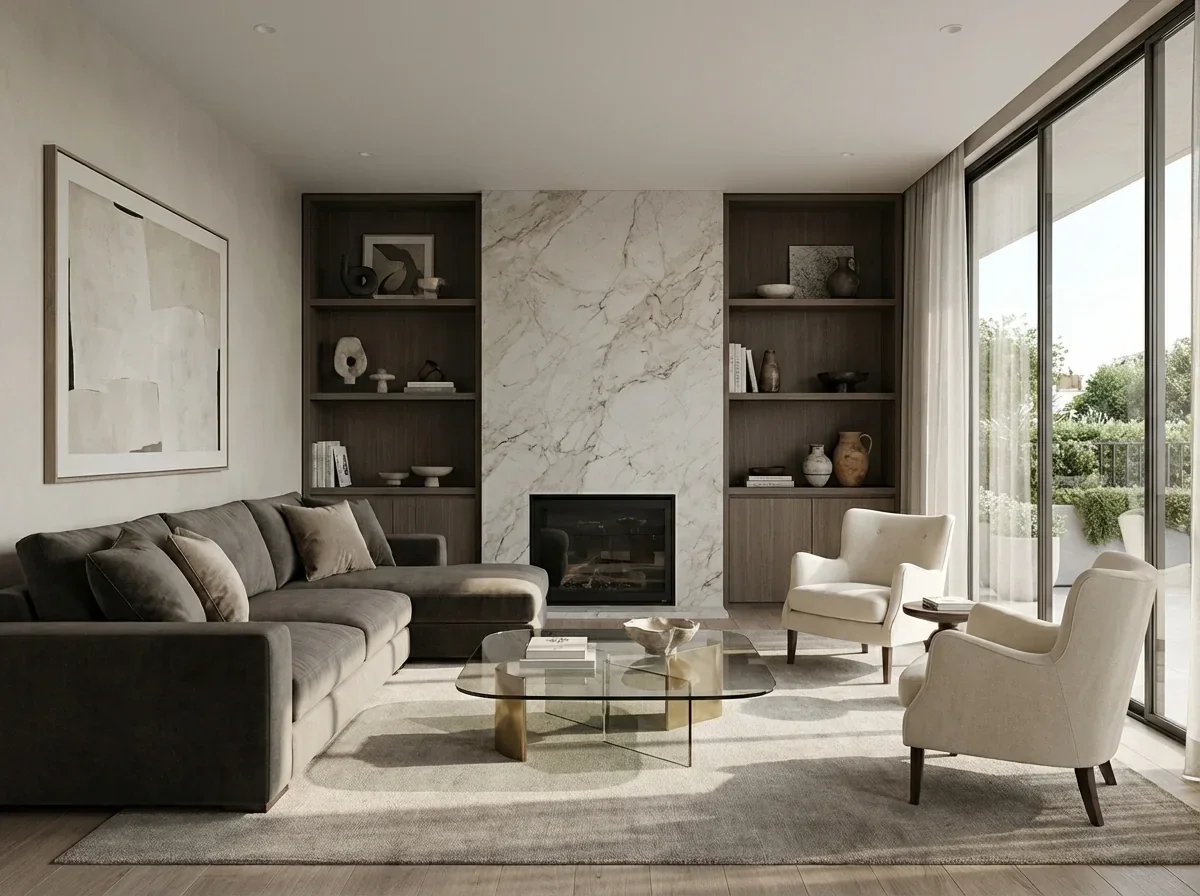
*(image: samsa-ai-3d-visualization-modern-contemporary-lounge-slatted-sideboard-marble-table)*
Products
*(image: samsa-ai-3d-visualization-cosmetic-serum-bottle-floating-petals)*
Architecture
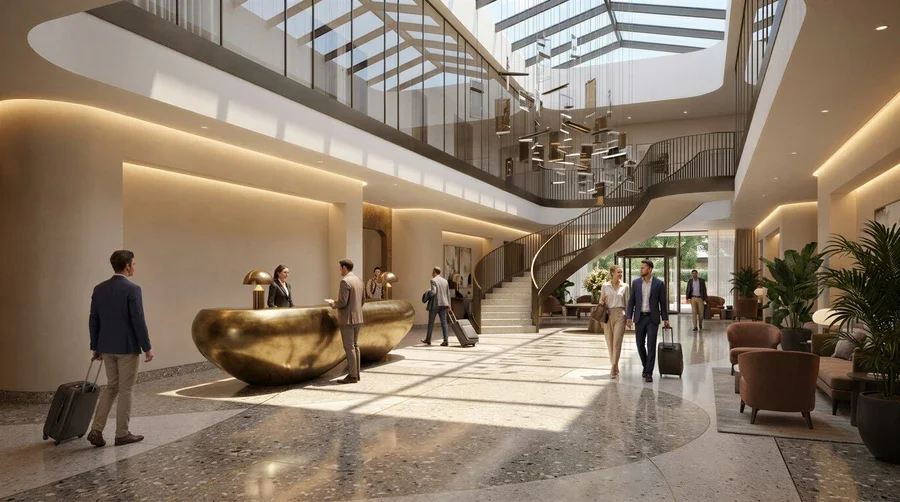
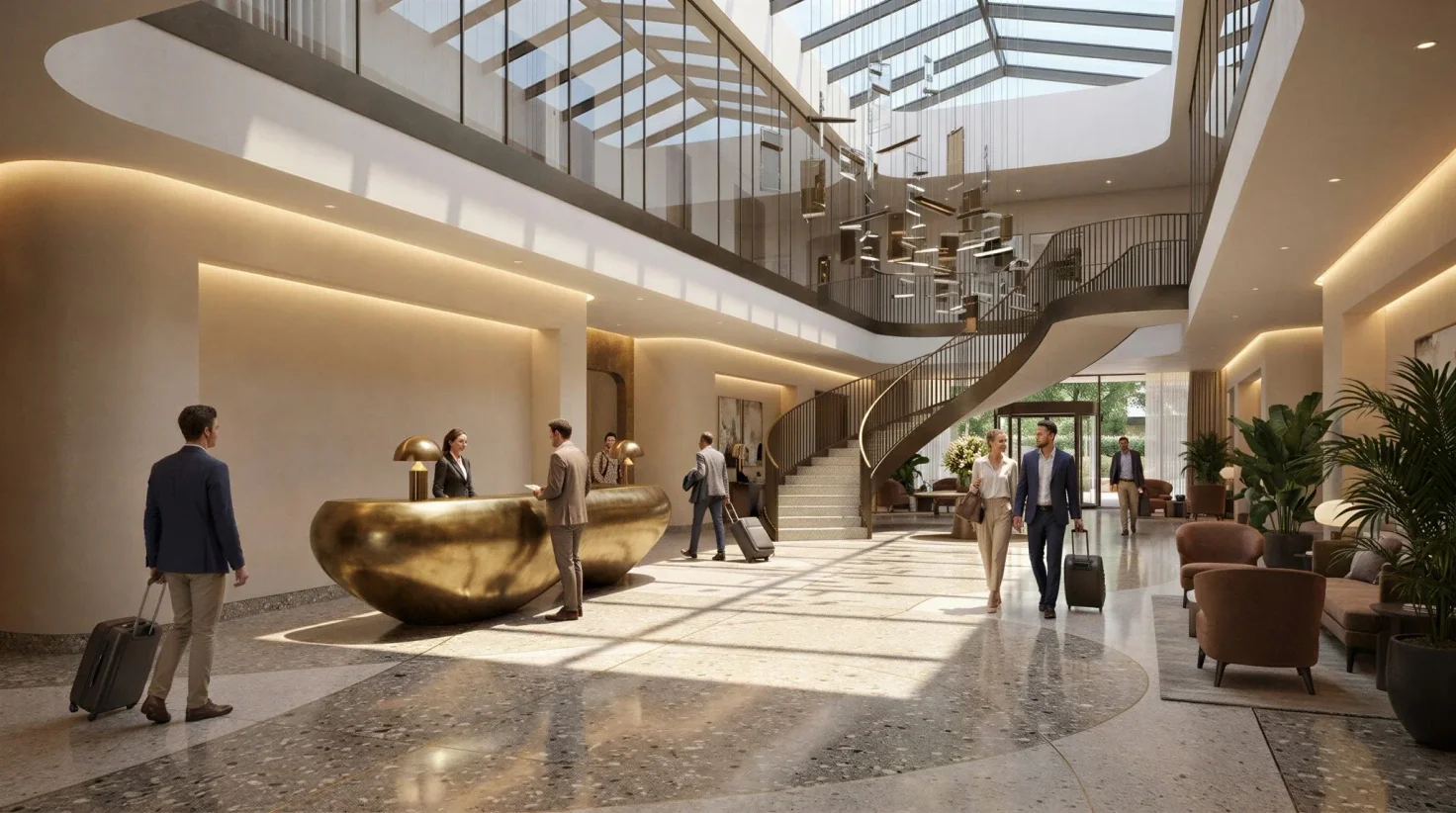
*(image: samsa-ai-3d-visualization-luxury-hotel-lobby-grand-staircase)*
Interior
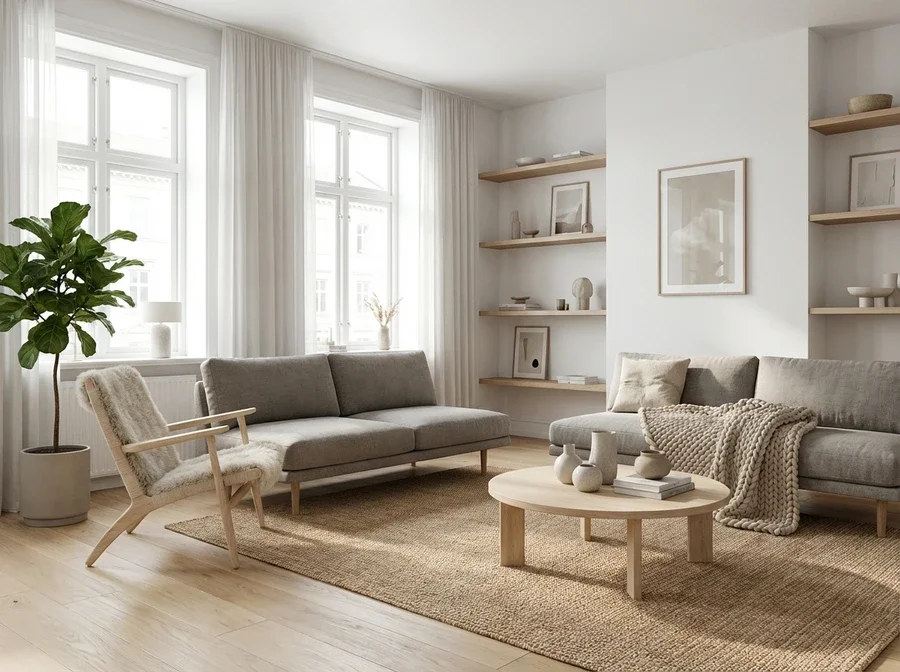
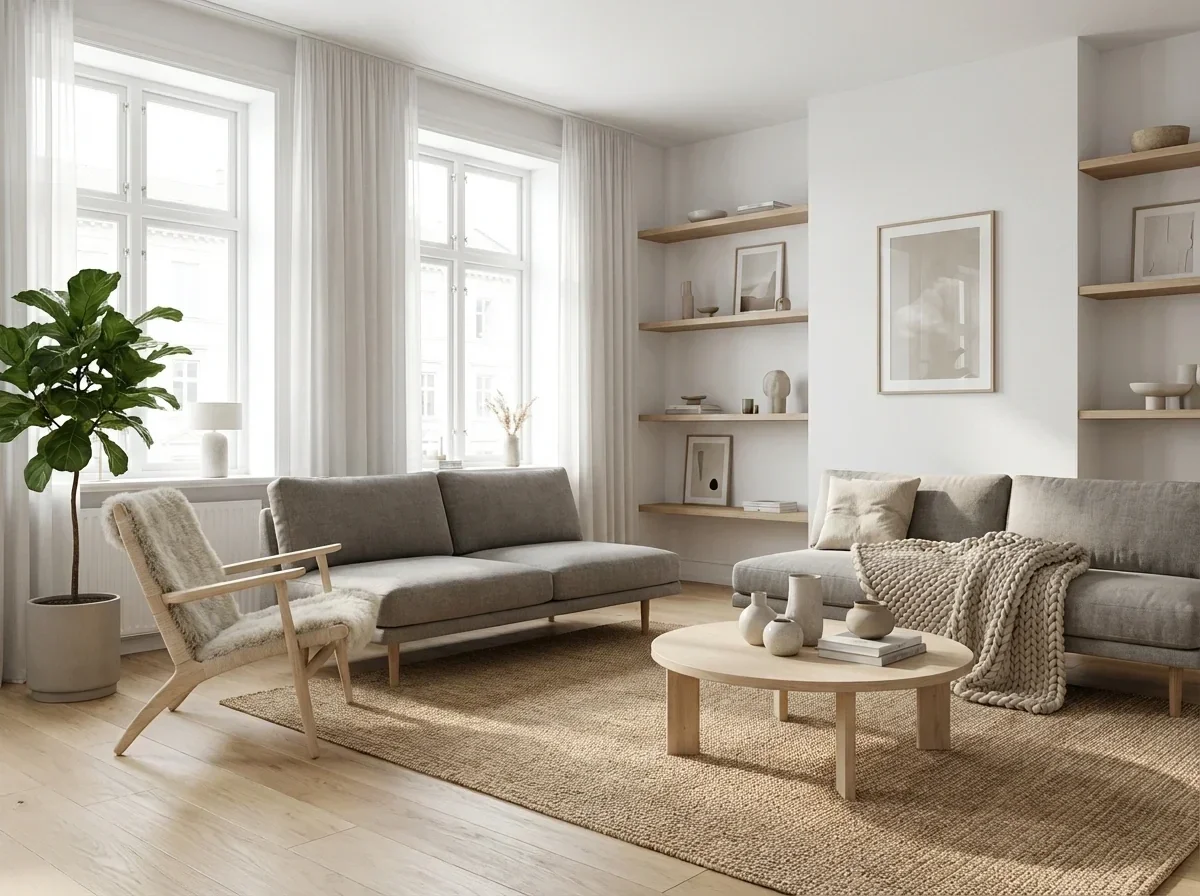
*(image: samsa-ai-3d-visualization-nordic-scandinavian-living-room)*
Products
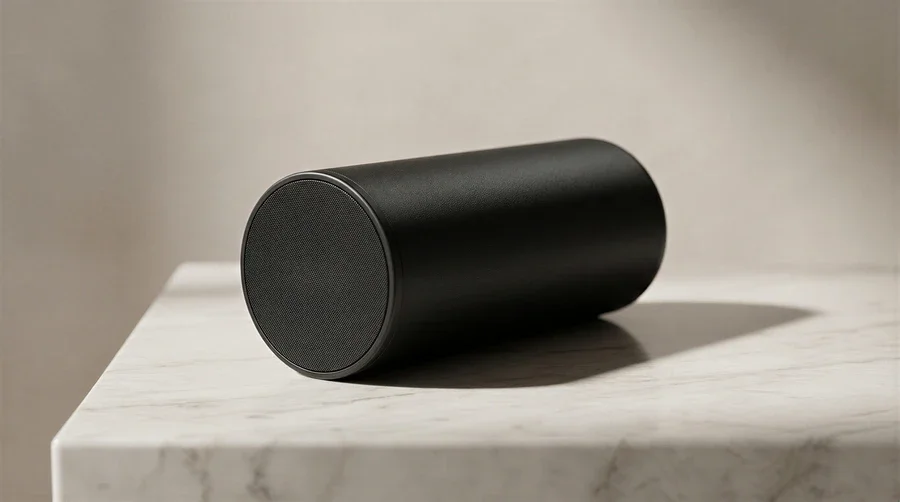
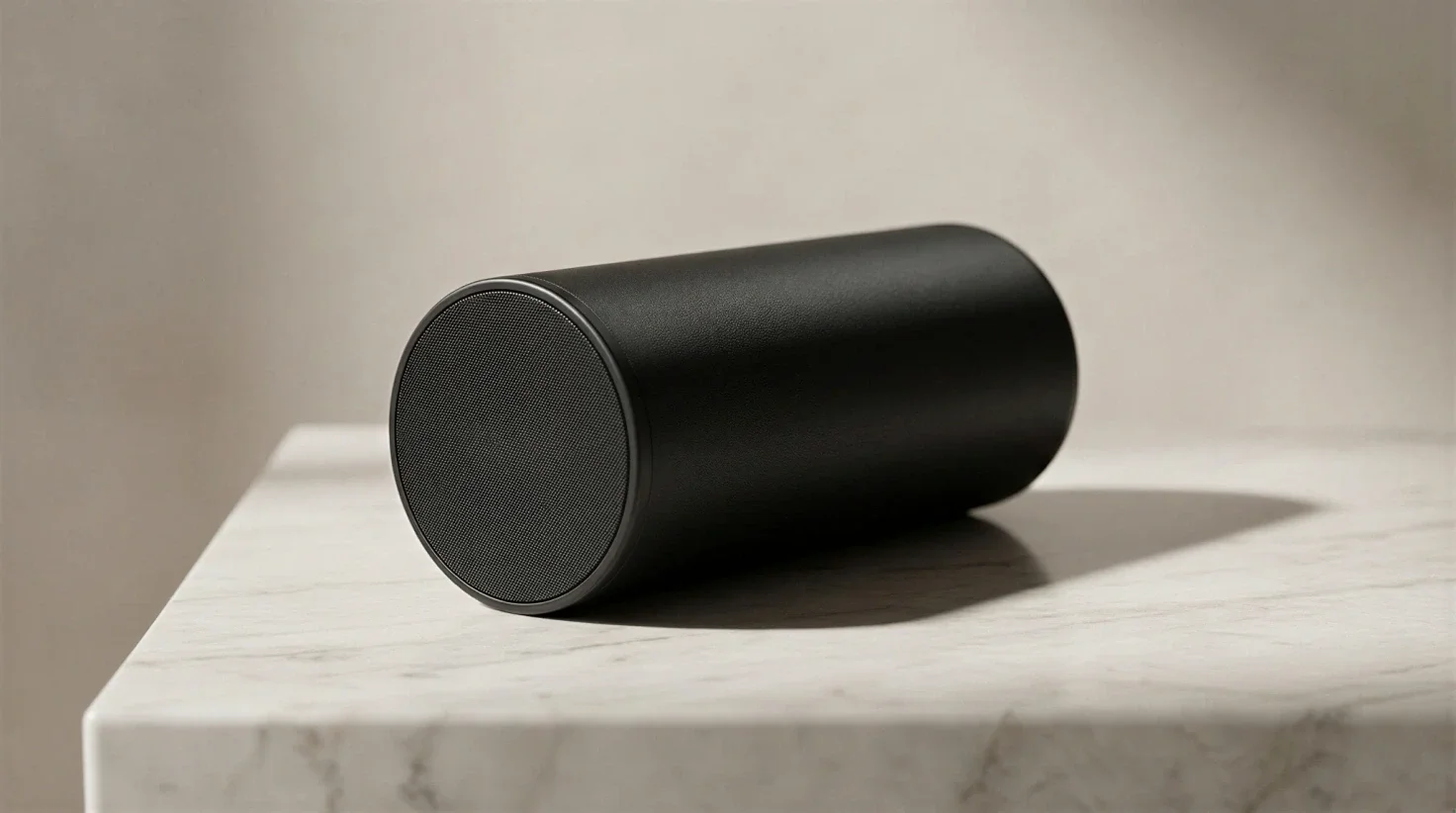
*(image: samsa-ai-3d-visualization-bluetooth-speaker-marble-surface)*
Interior
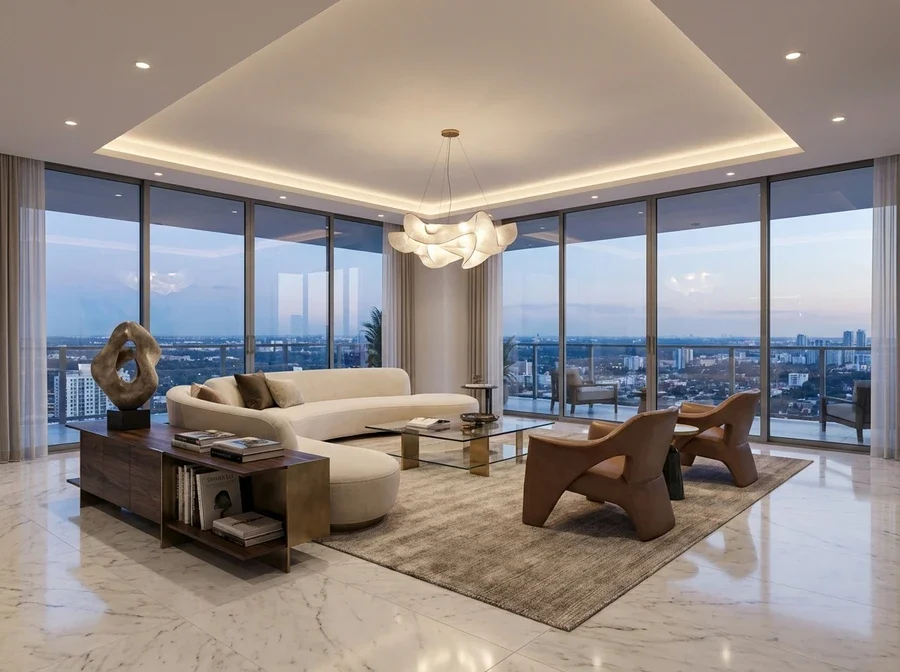
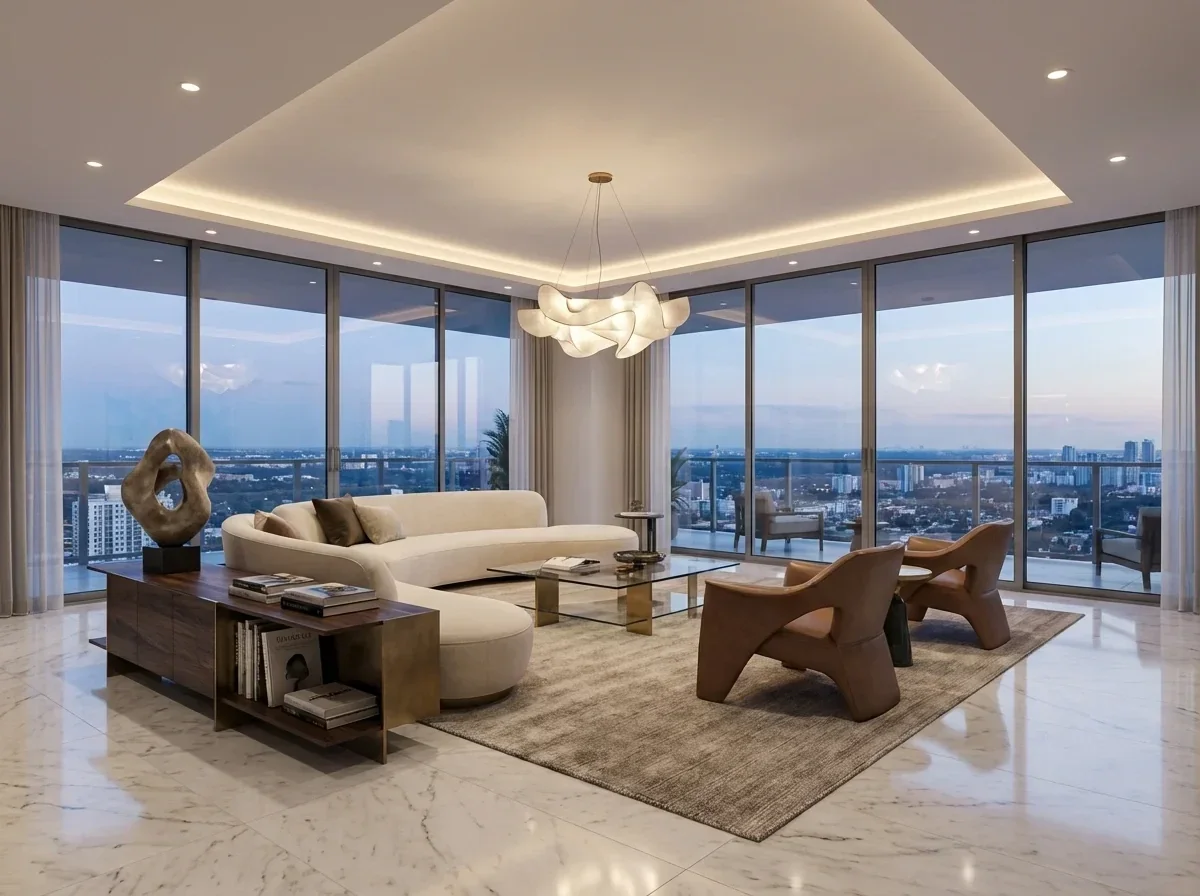
*(image: samsa-ai-3d-visualization-luxury-penthouse-skyline-view)*
---
Trusted by 250+ brand and marketing teams in Switzerland
SRK · SPS · Michel · Ramseier · Switzerland Tourism · Hertz · Klett · Vontobel · PostFinance · Caprice des Dieux · Focus Water · Sanitas · Trisa · Rivella · Capri-Sun · Valrhona · Stadler Rail · Marché · Darvida · HUG · Wernli · Tartare · Transa · Bank WIR
---
**Architecture**
Turn 3D models into photorealistic renderings of buildings, facades, and interiors.
Explore Architecture
**Interior**
Visualize room designs in any style — from a photo or 3D model, in seconds and one click.
Explore Interior
**Products**
Generate ad-ready product images, mockups, and e-commerce visuals from CAD files.
Explore Products
---
## From 3D Model to Visualization
in one click.
*(before/after: Before — 3d Architecture · After — 3d Architecture)*
---
### One tool for all your 3D visualizations
## Architecture Visualization
Generate architecture visualization faster without waiting for a rendering agency. Turn your 3D model into photoreal exterior and interior renders in seconds.
- Rendering agencies are often expensive and slow
- You need fast variants for stakeholder presentations
- Photoreal quality without hiring a dedicated 3D specialist
[Try architecture rendering](https://app.samsa.ai/signup)
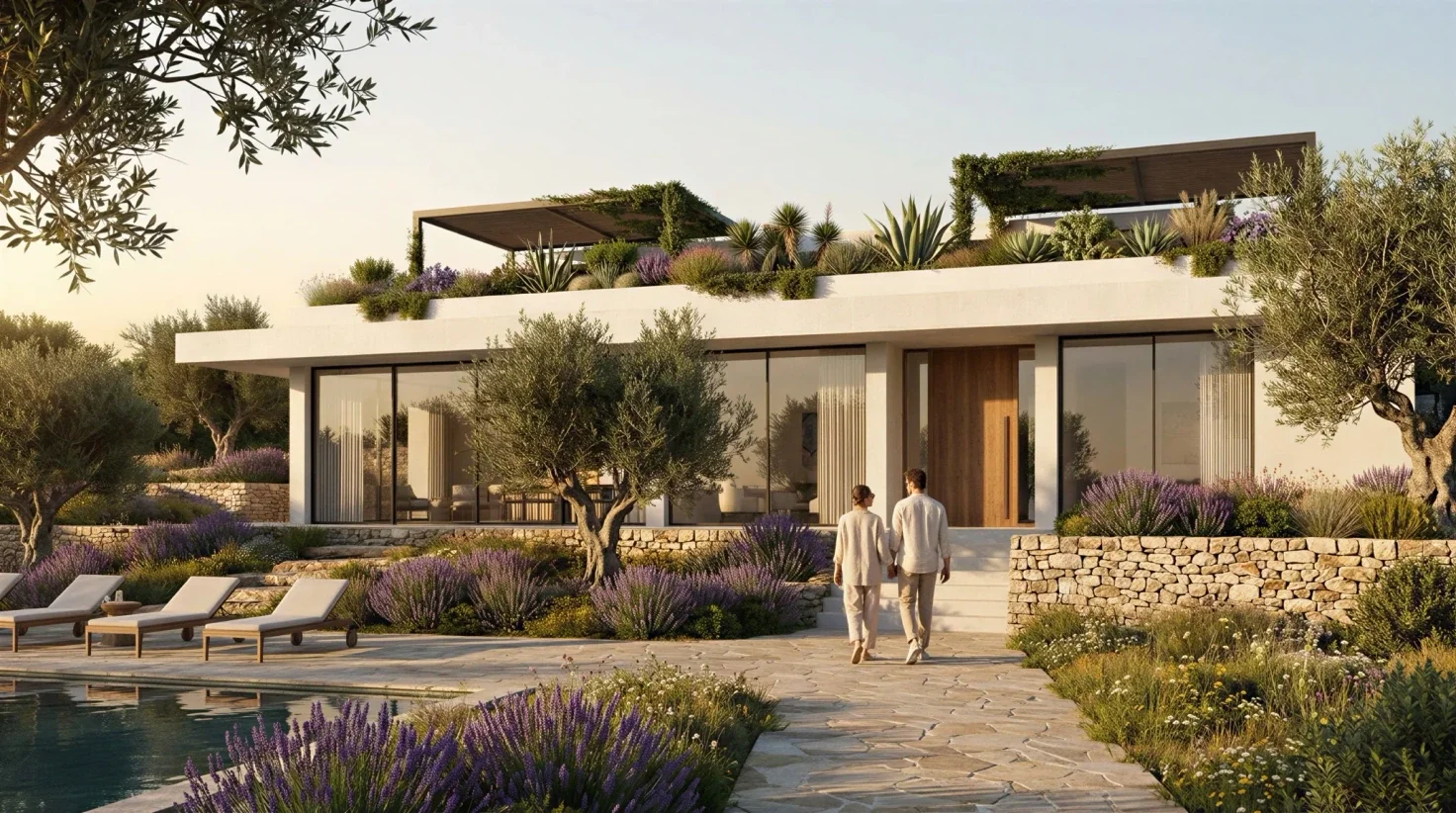
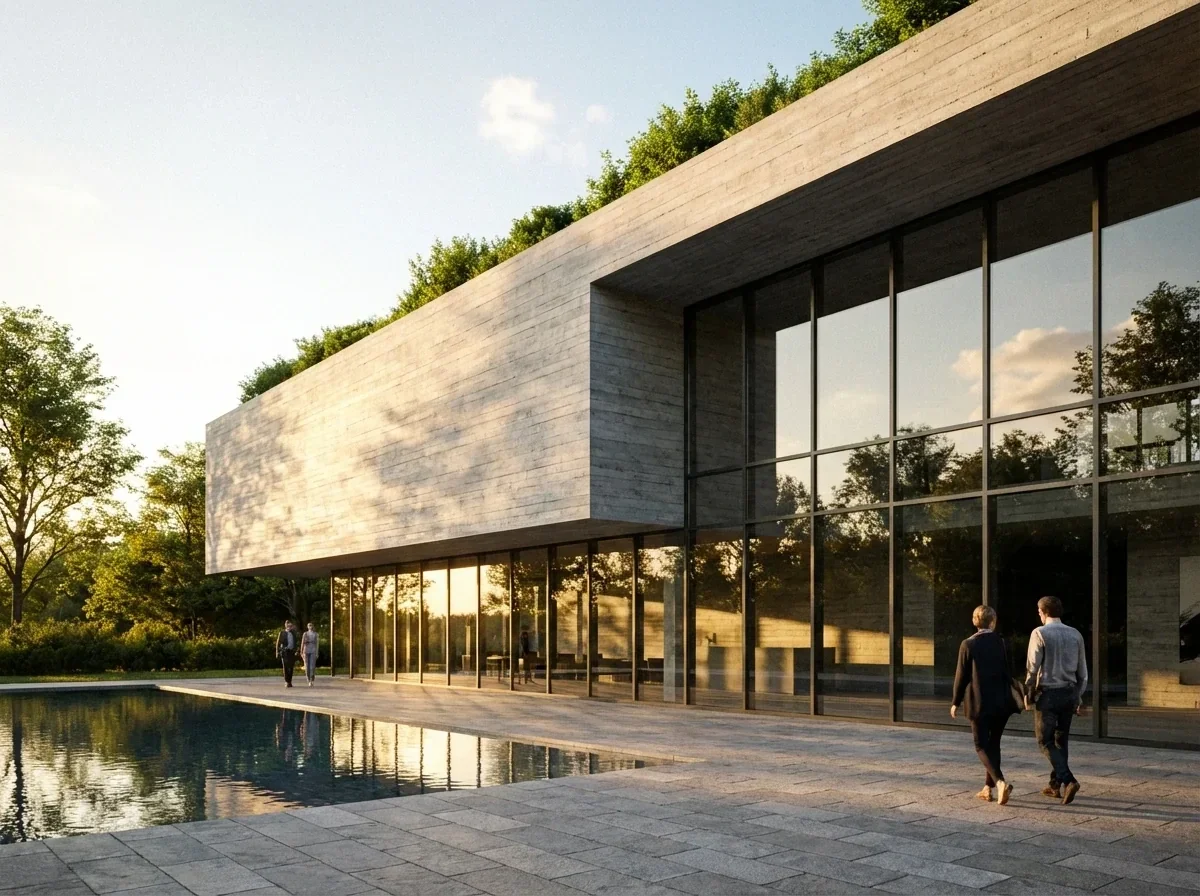
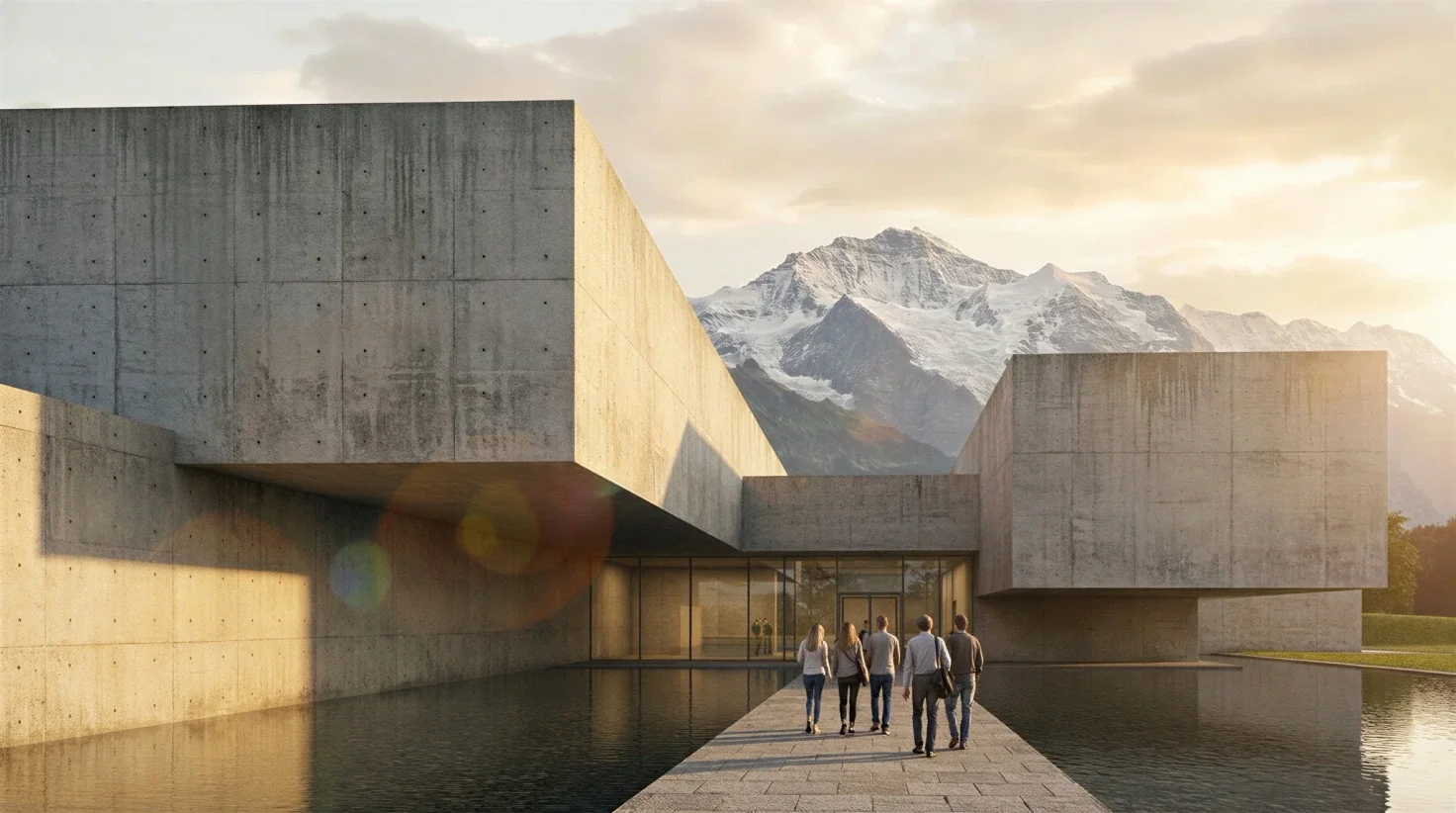
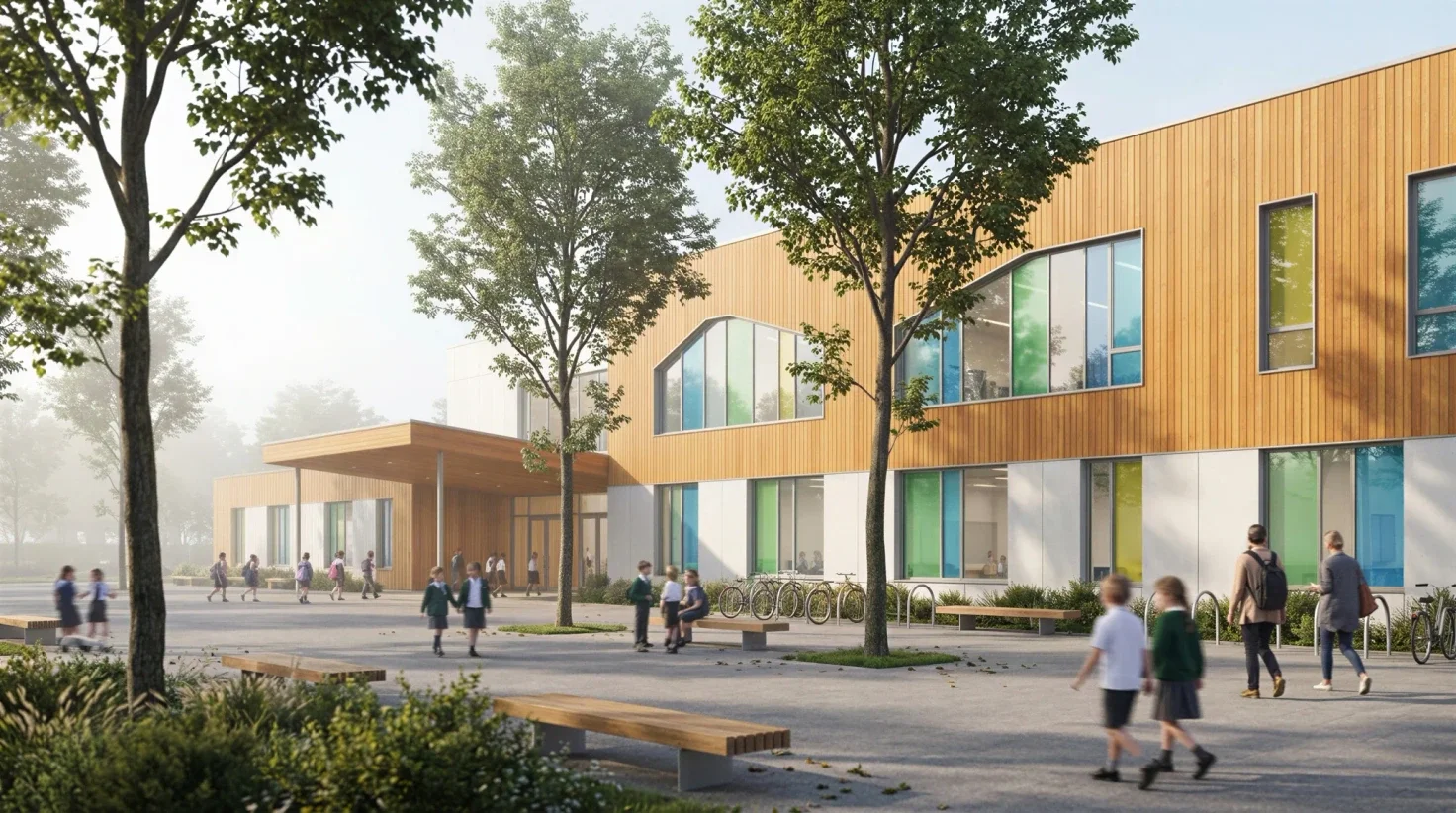
Modern Apartment Building Wood Facade Balconies 3d Rendering · Mediterranean Villa Pool Olive Trees Lavender 3d Rendering · Modern Concrete Villa Pool Green Roof 3d Rendering · Modern School Building Timber Facade Playground 3d Rendering · Concrete Museum Building Swiss Alps Water 3d Rendering
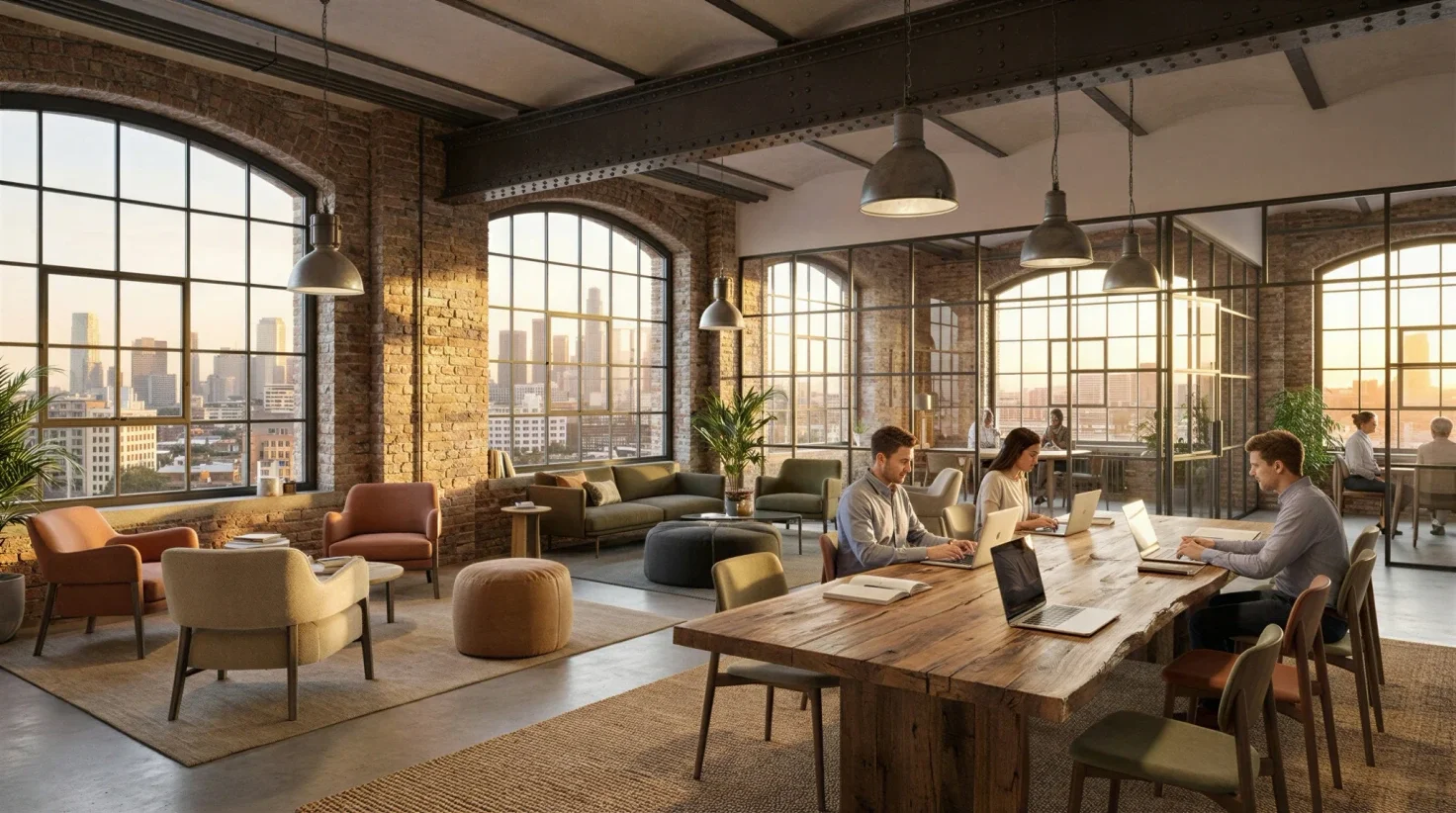
Nordic Cozy Living Room Knit Blanket 3d Rendering · Luxury Penthouse Living Room Skyline View 3d Rendering · Luxury Hotel Lobby Grand Staircase 3d Rendering · Luxury Modern Living Room Marble Fireplace 3d Rendering · Minimalist Living Room Oak Bookshelf Natural Light 3d Rendering · Industrial Loft Coworking Brick Walls Sunset 3d Rendering
## Interior Design & 3D Room Planning
Use AI as your 3D room planner to redesign spaces faster. Explore multiple style directions and present clear options to clients instantly.
- Clients struggle to visualize design concepts
- You need multiple concept variants quickly
- Professional interior visuals without heavy rendering software
[Try room design](https://app.samsa.ai/signup)
## 3D Product Rendering & Mockups
Turn existing 3D product models into ad-ready visuals and product mockups instantly. Perfect for e-commerce teams, campaigns and catalogs.
- Product shoots take too much time and budget
- Campaigns need new visuals immediately
- You already have 3D assets but no usable marketing images
[Try product rendering](https://app.samsa.ai/signup)
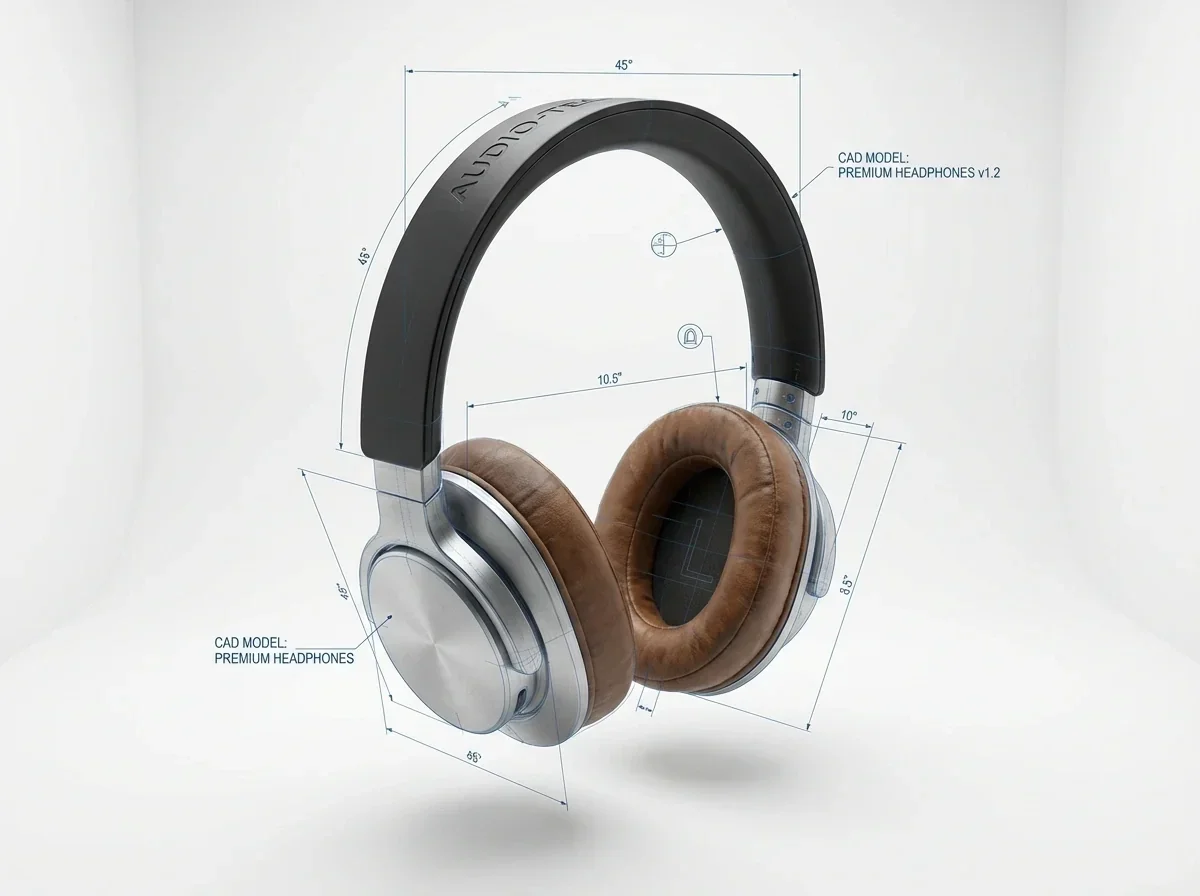
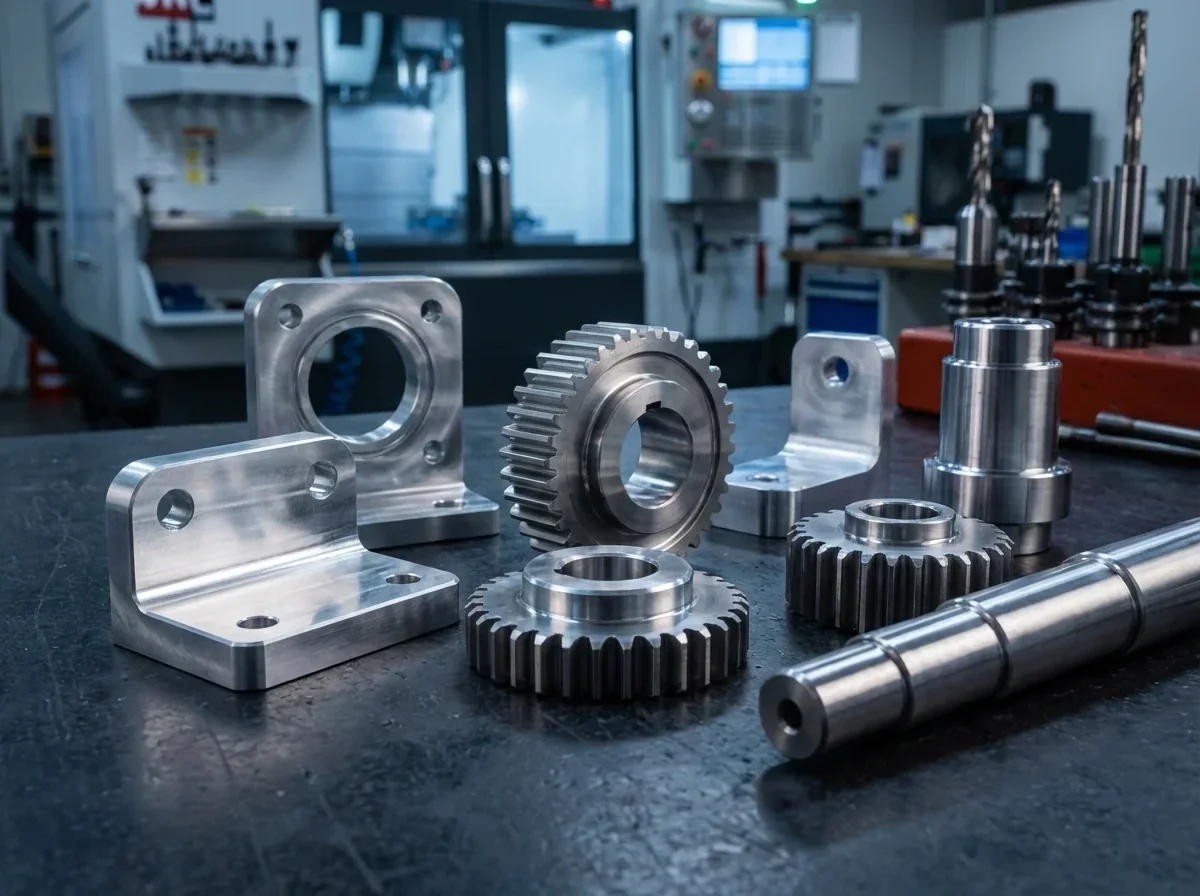
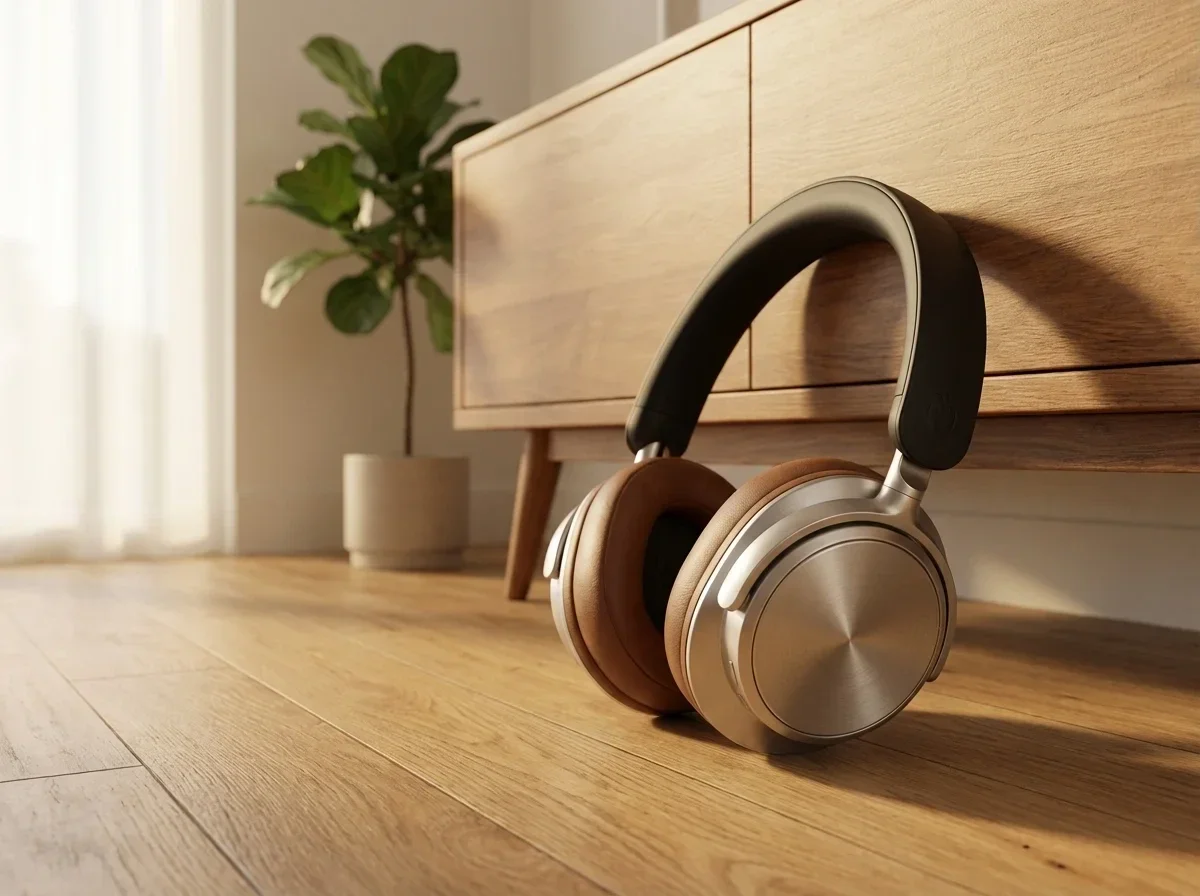
Headphones Cad Technical Drawing Dimensions 3d Rendering · Golden Luxury Serum Bottle Floating Petals Droplets 3d Rendering · Black Bluetooth Speaker Marble Surface 3d Rendering · Glow Essence Serum Floating Petals Leaves 3d Rendering · Cnc Machined Metal Gears Components Industrial 3d Rendering · Premium Headphones Oak Floor Minimalist Interior 3d Rendering
---
### Your Model. Our AI.
Stunning Results.
Book a personalized demo and we’ll render one of your 3D models live.
[Book a demo](/get-demo/)
[Get started](https://app.samsa.ai/signup)
[See Pricing](/pricing/)
---
### How it works
*(embedded: vimeo Video Player)* [https://player.vimeo.com/video/1168022527?color&autopause=0&dnt=true&loop=1&muted=1&title=0&portrait=0&byline=0#t=](https://player.vimeo.com/video/1168022527?color&autopause=0&dnt=true&loop=1&muted=1&title=0&portrait=0&byline=0#t=)
### 1
### Upload a 3D model or photo
Drag and drop your CAD file, 3D model, or room photo. We support all common formats.
*(image: Write)*
### 2
### Choose style and settings
Select lighting, materials, environment, and camera angle. Or let AI suggest the best settings.
*(image: Design)*
### 3
### Generate photorealistic images
Get high-resolution, photorealistic images in seconds. Download, share, or export directly.
*(image: Use)*
*(before/after: Before — 3d Model · After — 3d Visualization)*
---
## Frequently asked questions about AI 3D visualization
### Do I need a 3D model for AI 3D visualization?
No. Samsa’s AI 3D visualization can start from a photo of a building, a room or a product and render photorealistic variants from it. A 3D model is optional: it gives you extra control over perspective, materials and iterations when you have one.
### How photorealistic are AI 3D renderings?
Samsa’s AI 3D renderings are photorealistic, at 1K, 2K or 4K resolution, with style, lighting and materials under your control for architecture, interiors and products. Iterate until the image is right, then use it in client presentations, marketing and sales material, the same places a commissioned rendering would go.
### What does AI 3D visualization cost?
A render from Samsa’s 3D Rendering Studio is billed like an image: 5 credits at 1K, 10 at 2K and 20 at 4K. Plans start at CHF 49 per month, or CHF 39 per month billed yearly, for 500 credits (about 100 images at 1K). All plans and credit rates are on the [pricing page](/pricing/).
How that compares with commissioning a studio, with typical prices and turnaround: [3D rendering cost: studio or AI?](https://samsa.ai/guides/3d-rendering-cost/)
### How long does an AI 3D rendering take?
An AI 3D rendering in Samsa usually takes seconds to a few minutes, instead of the days or weeks of a traditional rendering workflow. Because a new variant takes that little time, you can try several materials, lighting moods or styles for the same project before a meeting and show the client a choice instead of a single image.
### Do I get commercial usage rights for the images?
Yes, on every plan, provided you hold the rights to the images you train your models on. You can then use the generated images for e-commerce, advertising, print, social media and any other commercial purpose. The help center explains the details: [commercial usage rights for generated images](https://help.samsa.ai/en/articles/83-do-i-get-commercial-usage-rights-of-my-generated-images).
### Where is my data stored, and is Samsa GDPR compliant?
Your data is stored in the EU, with our primary data center in Frankfurt; some AI processing is done by providers outside the EU, as described in the [privacy policy](/privacy-policy/). Samsa is GDPR compliant and uses end-to-end encryption, and your 3D files and models stay private to your organization. Samsa Labs AG is a Swiss company based in Lucerne.
### Can I generate multiple variants for client presentations?
Yes. Generate several style, material or lighting variants of the same scene and compare them side by side for stakeholder reviews and client presentations. Each render uses credits like an image, and your gallery keeps every version with its history, so you can return to an earlier option when the client changes their mind.
### Which 3D file formats can I upload?
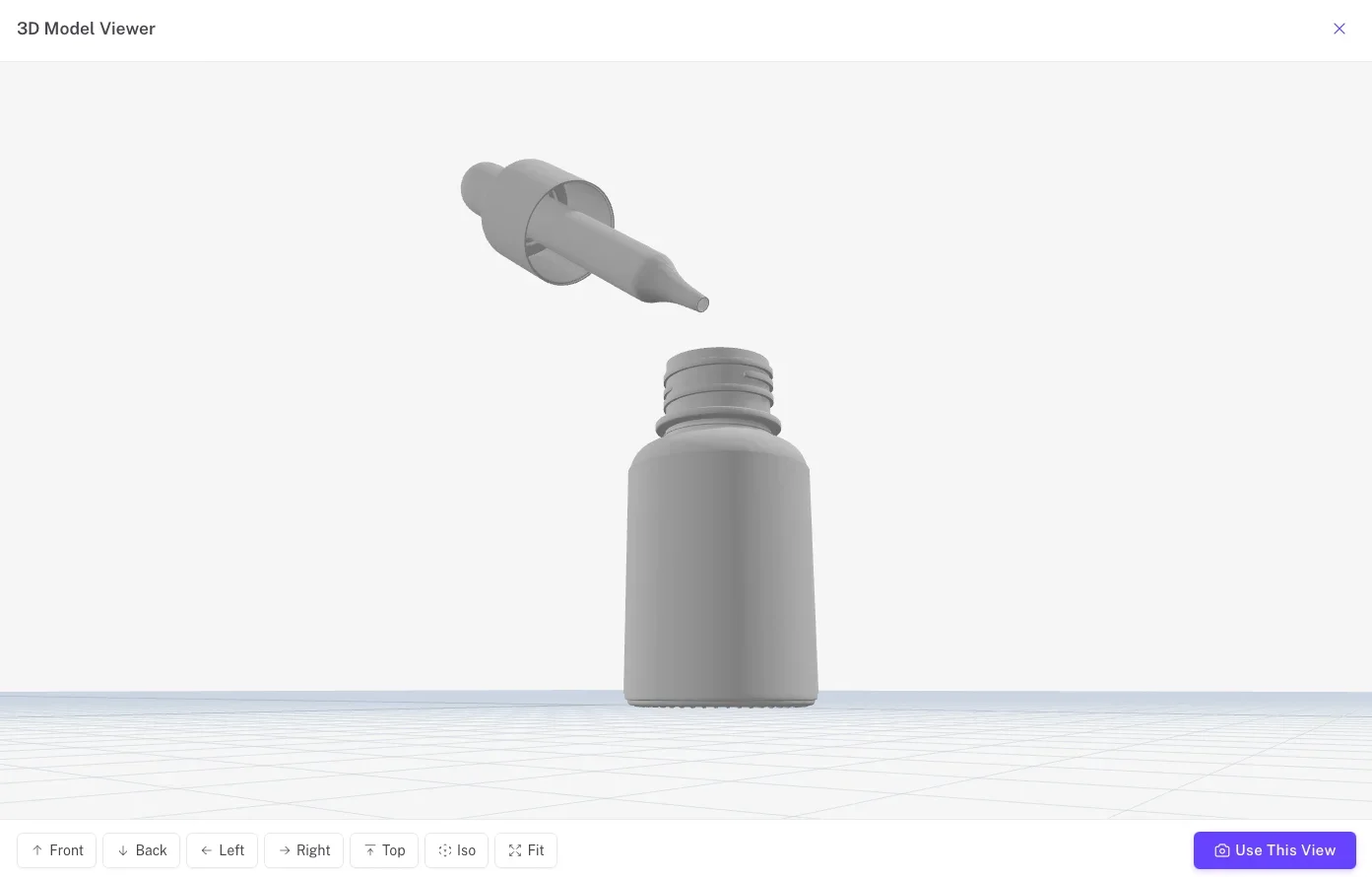
Samsa’s 3D Rendering Studio accepts .glb, .obj, .fbx and .stl files. An uploaded model keeps its geometry and camera exactly, and Samsa renders the materials, light and setting around it. If you have no 3D file, a photo of the building, room or product works as a starting point too.
---
### Stop Waiting.
Start Rendering.
Your 3D models are ready. Your images should be too. See what Samsa AI can do with yours.
[Book a demo](/get-demo/)
[Get started](https://app.samsa.ai/signup)
[See Pricing](/pricing/)