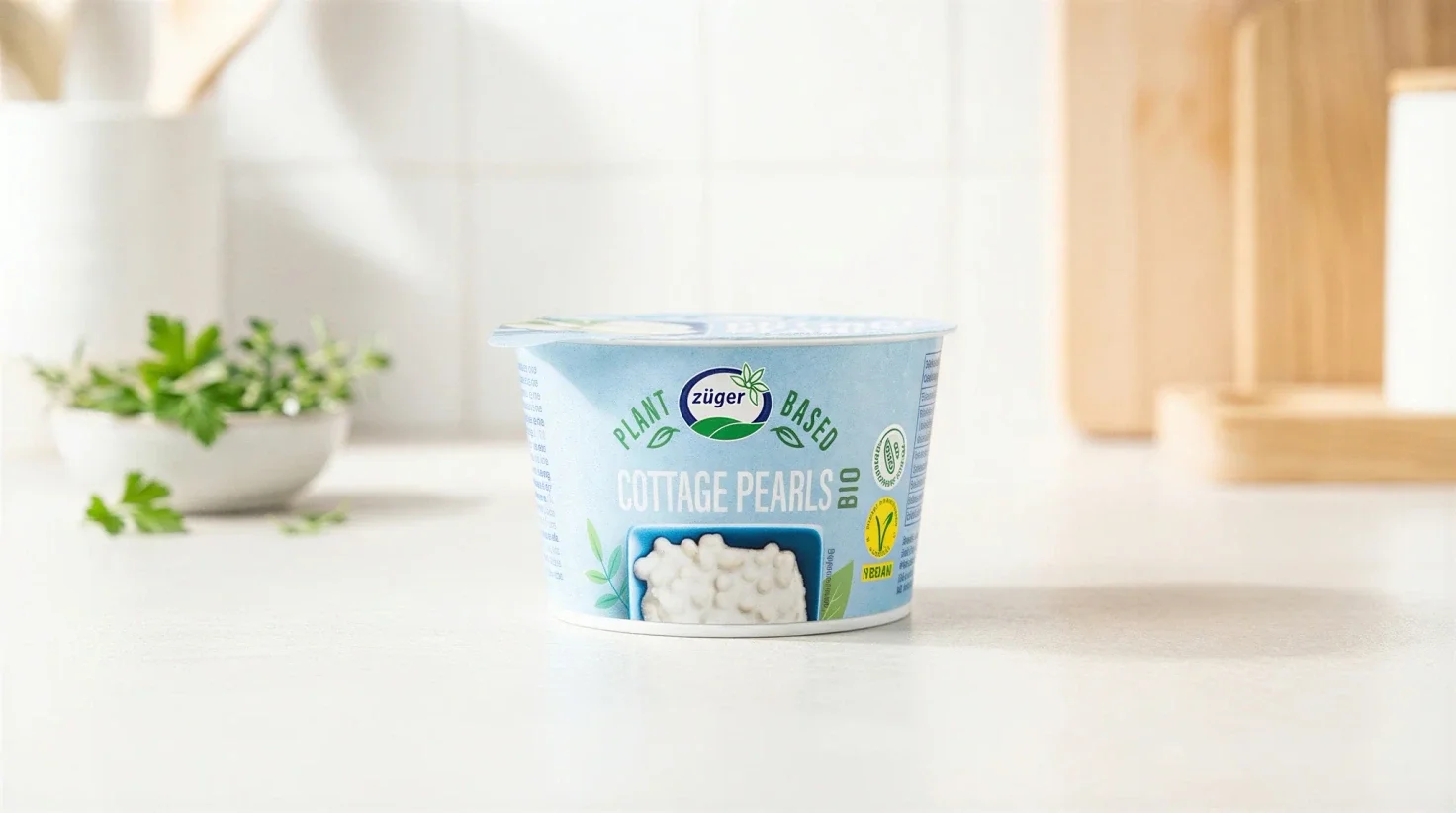
E-Commerce Product Photography
Generate professional product photos for your online shop without a photographer or studio. Train AI on your product once, then create hundreds of consistent images in seconds.
Try product photographyAI product photography with Samsa starts from a photo you already have: Samsa trains a model on it in about 15 seconds (2–5 photos give the best results), and the Packshot Studio generates studio-quality packshots and lifestyle shots in seconds. No photographer, no studio, no waiting.

Trusted by 250+ brand and marketing teams in Switzerland












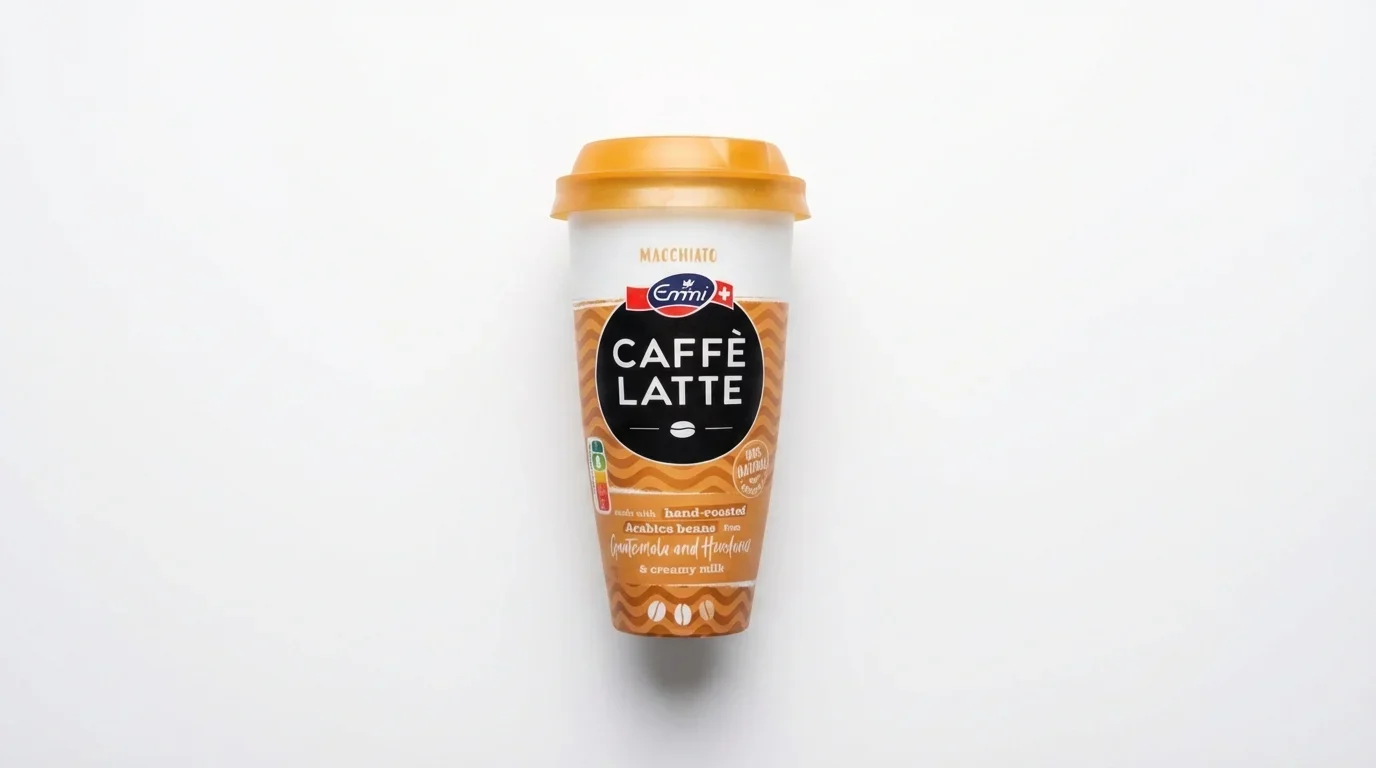
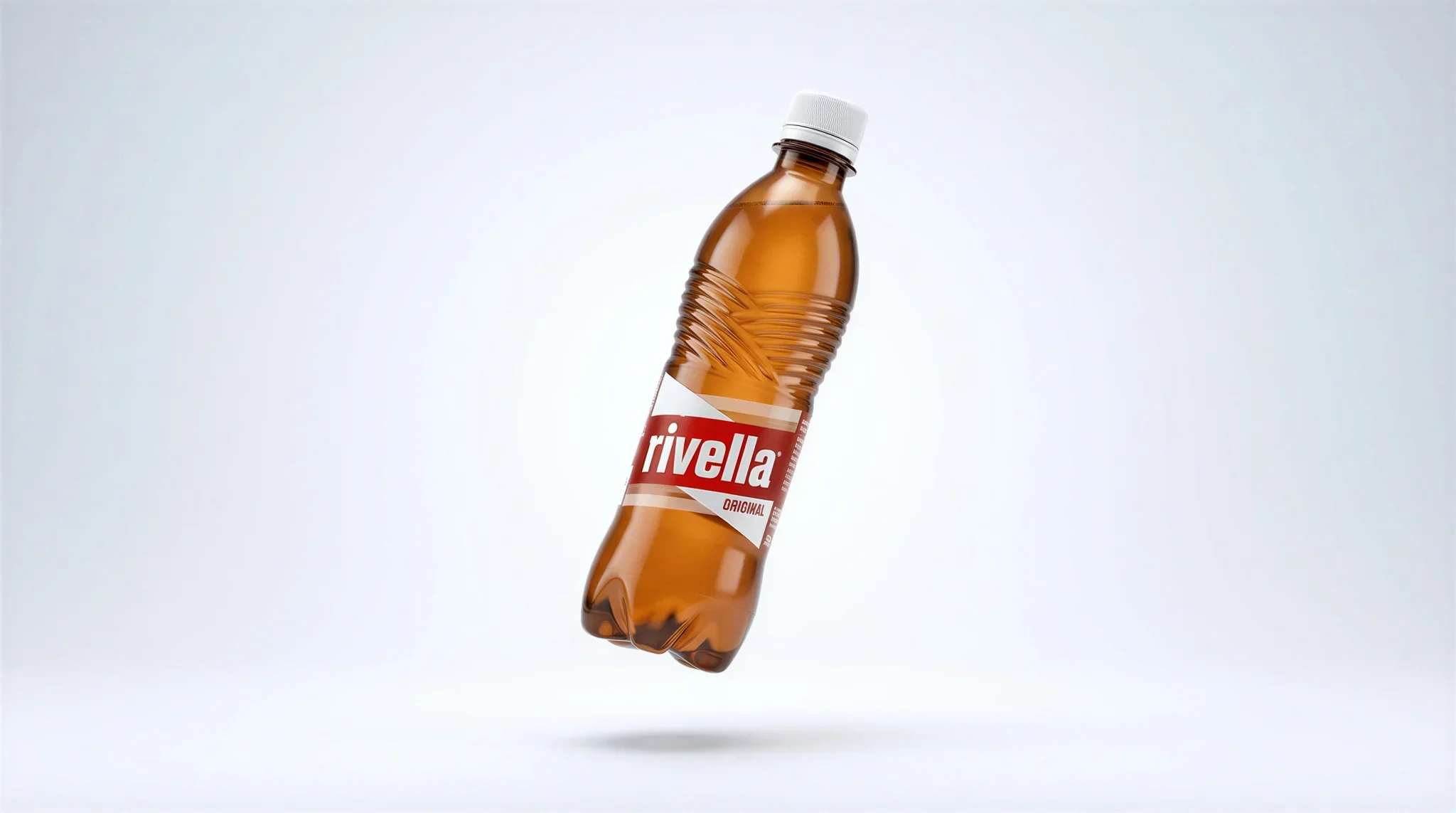
Generate product photos for your online shop — white backgrounds, consistent lighting, ready for Amazon and any online shop.
Explore E-CommerceCreate professional packshots for catalogs, retail listings, and packaging presentations — consistent angles, perfect lighting, every time.
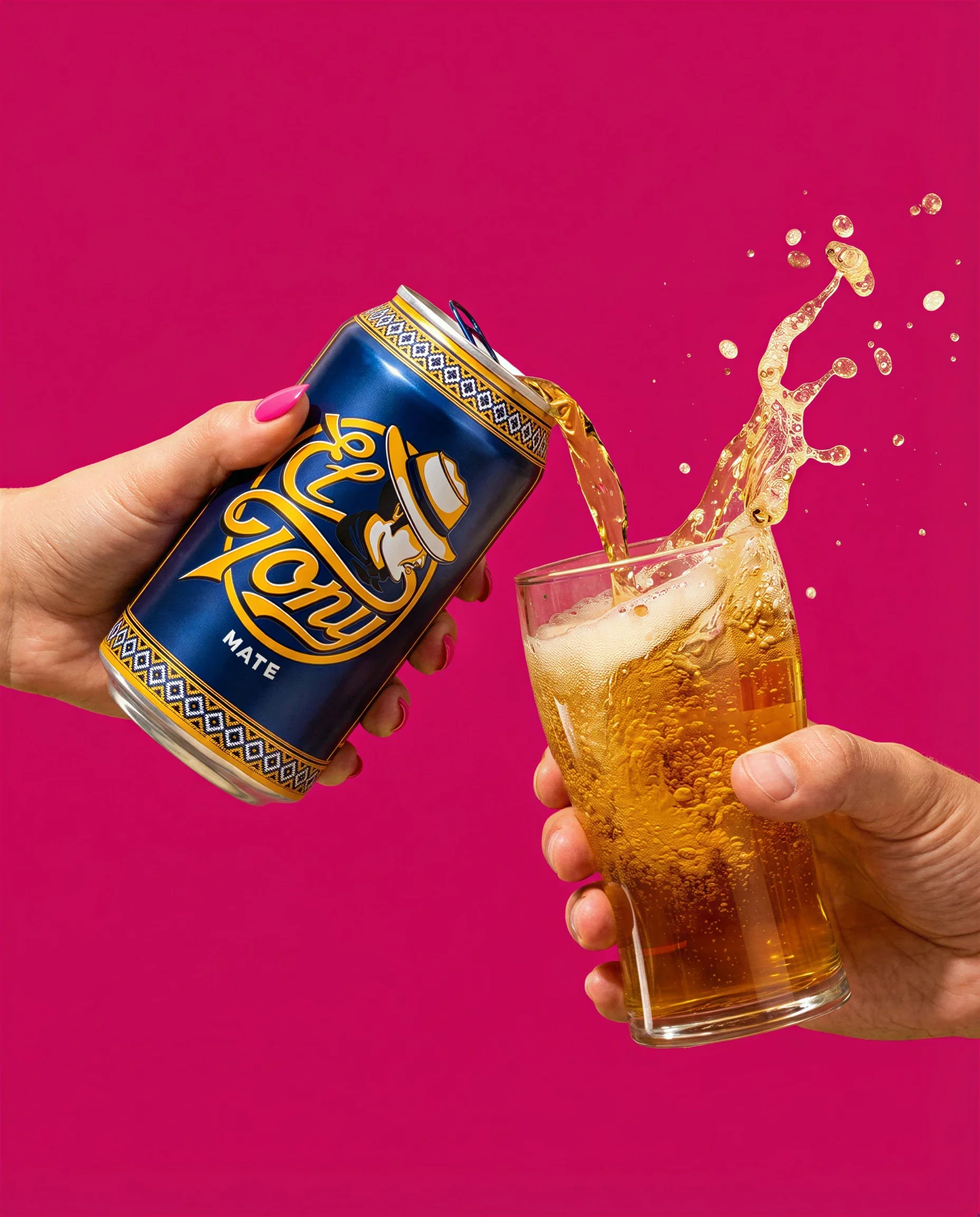
Explore PackshotsProduce ad-ready product images for social media, print ads, and seasonal campaigns — from Christmas to Black Friday.
Explore Campaigns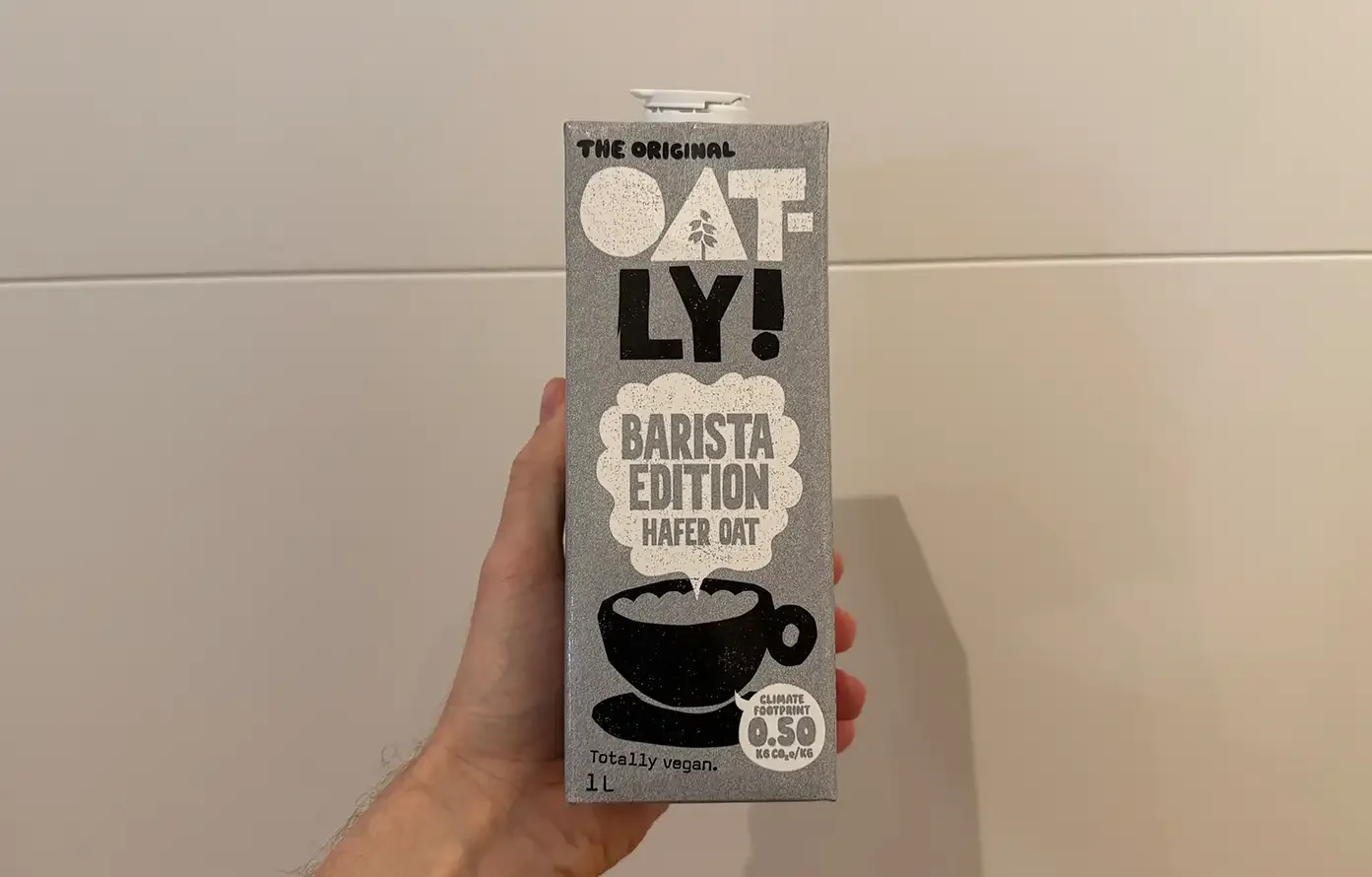
Generate professional product photos for your online shop without a photographer or studio. Train AI on your product once, then create hundreds of consistent images in seconds.
Try product photography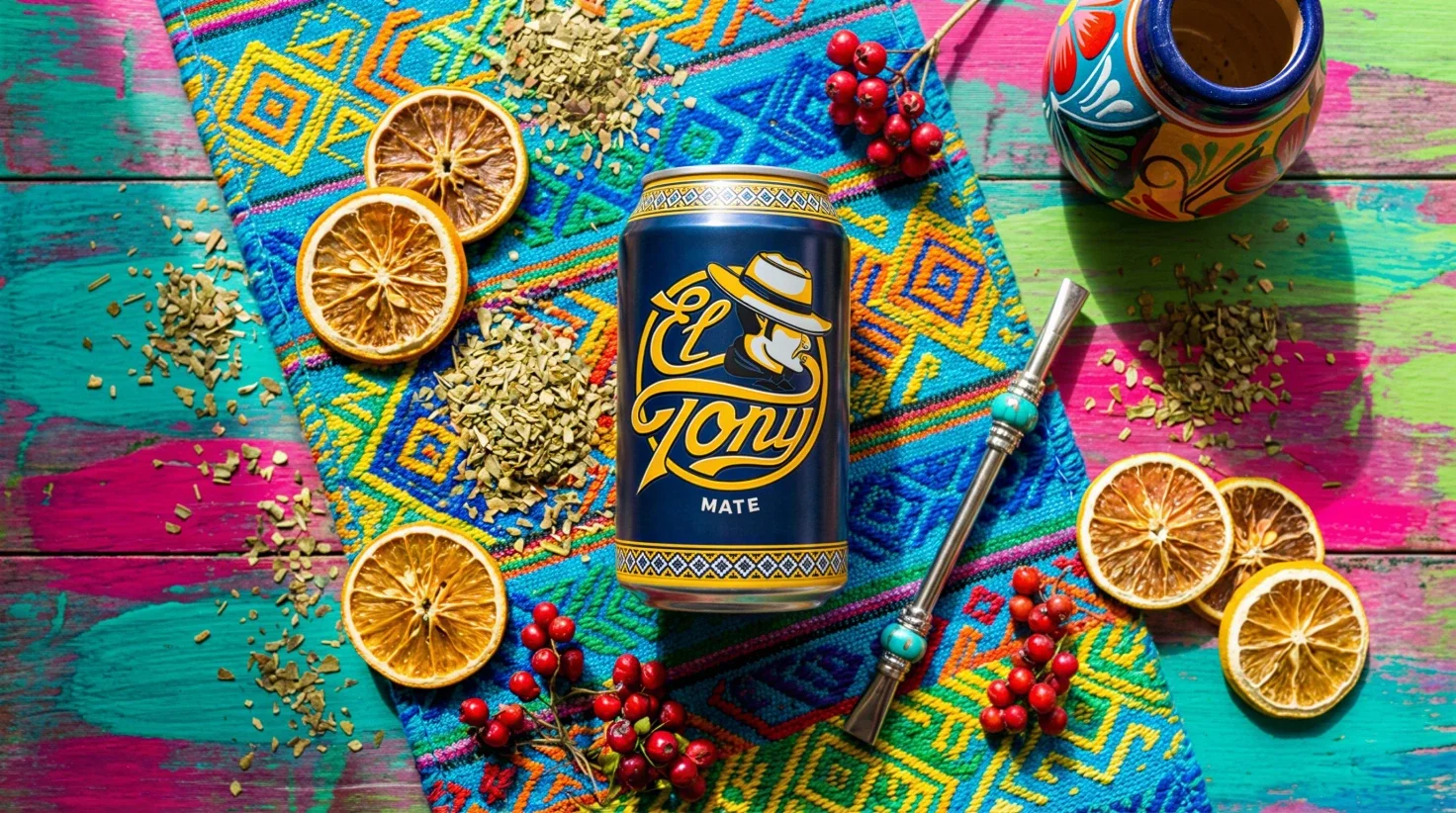
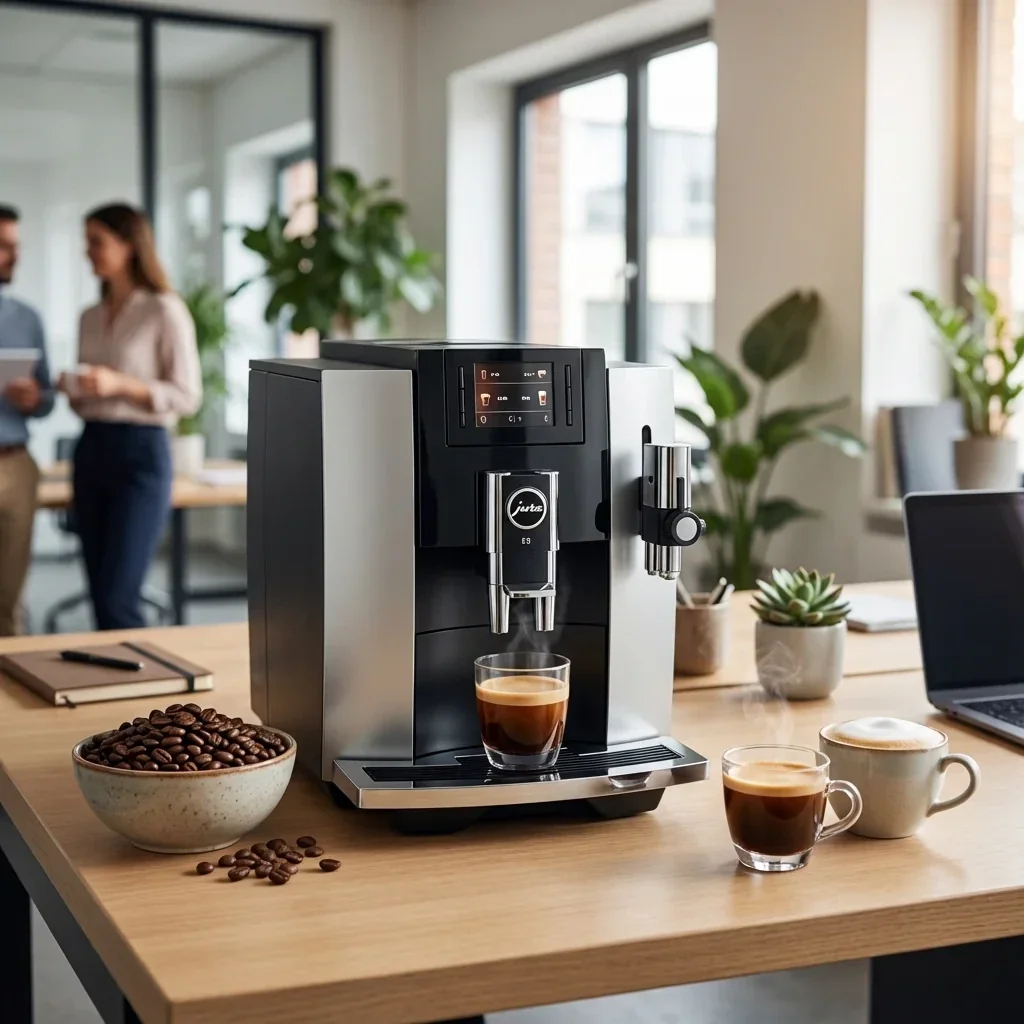

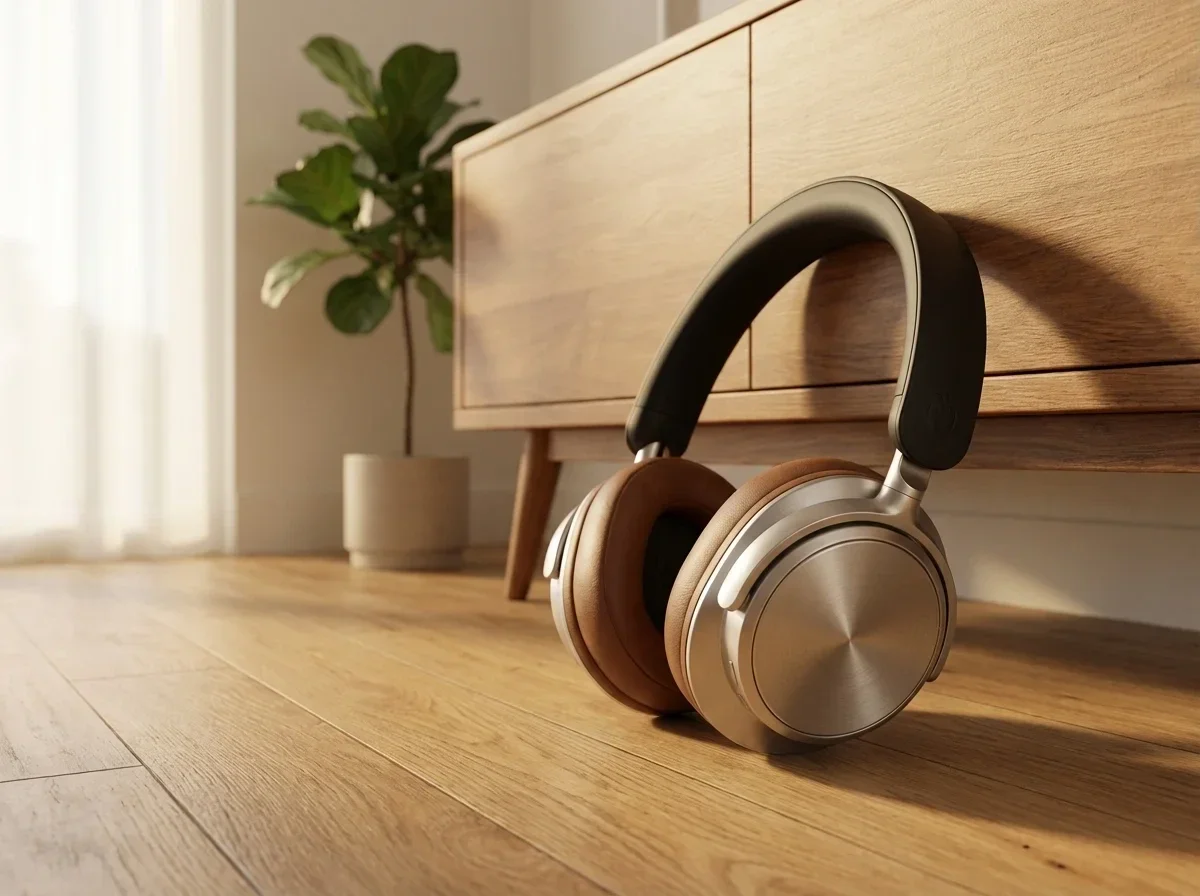
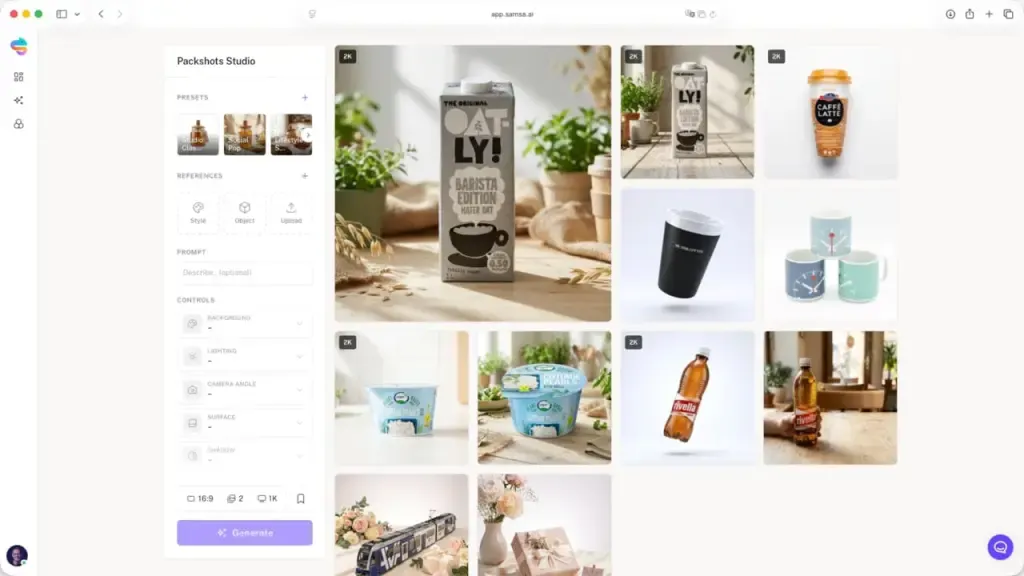
Create photorealistic packshots for catalogs, retail listings, and packaging design. Full control over background, lighting, angle, and surface — no specialized equipment needed.
Try packshot photography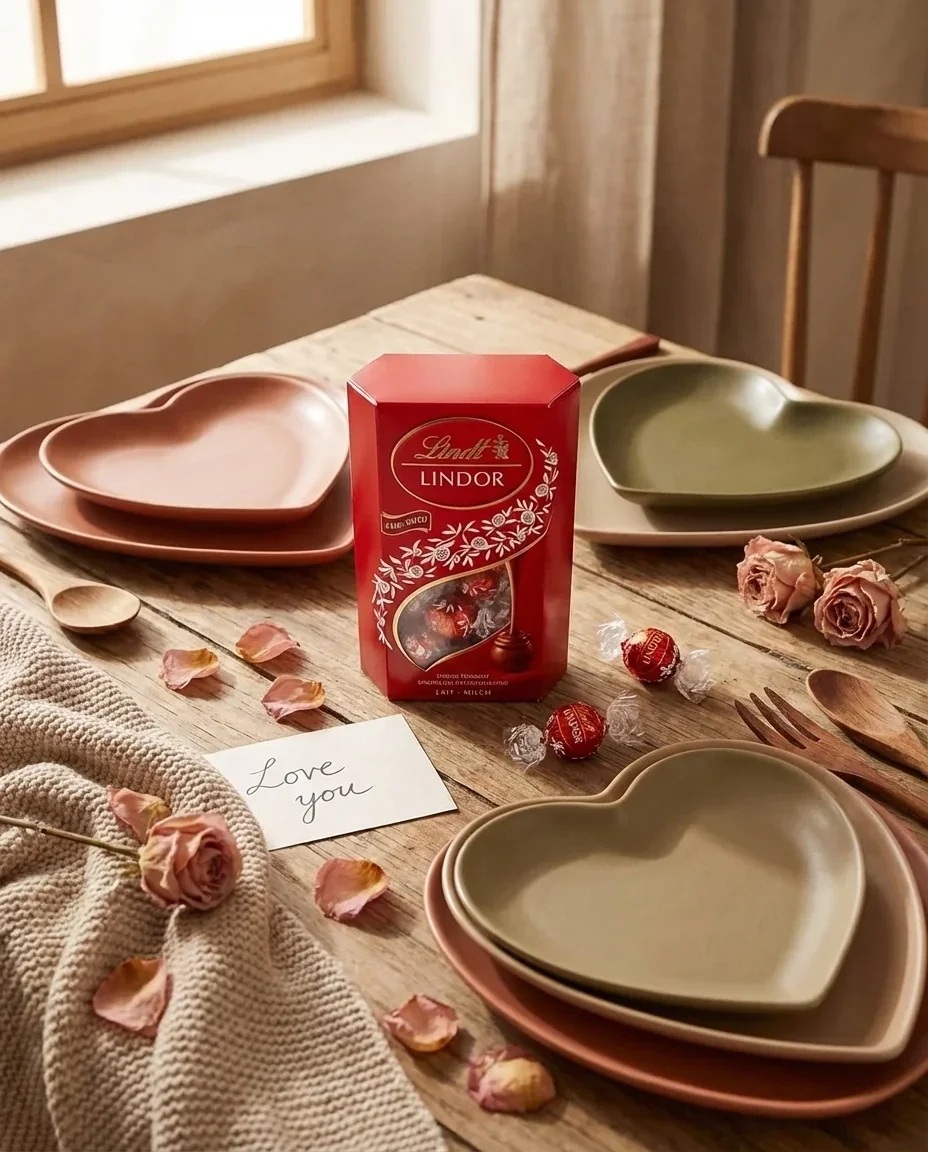
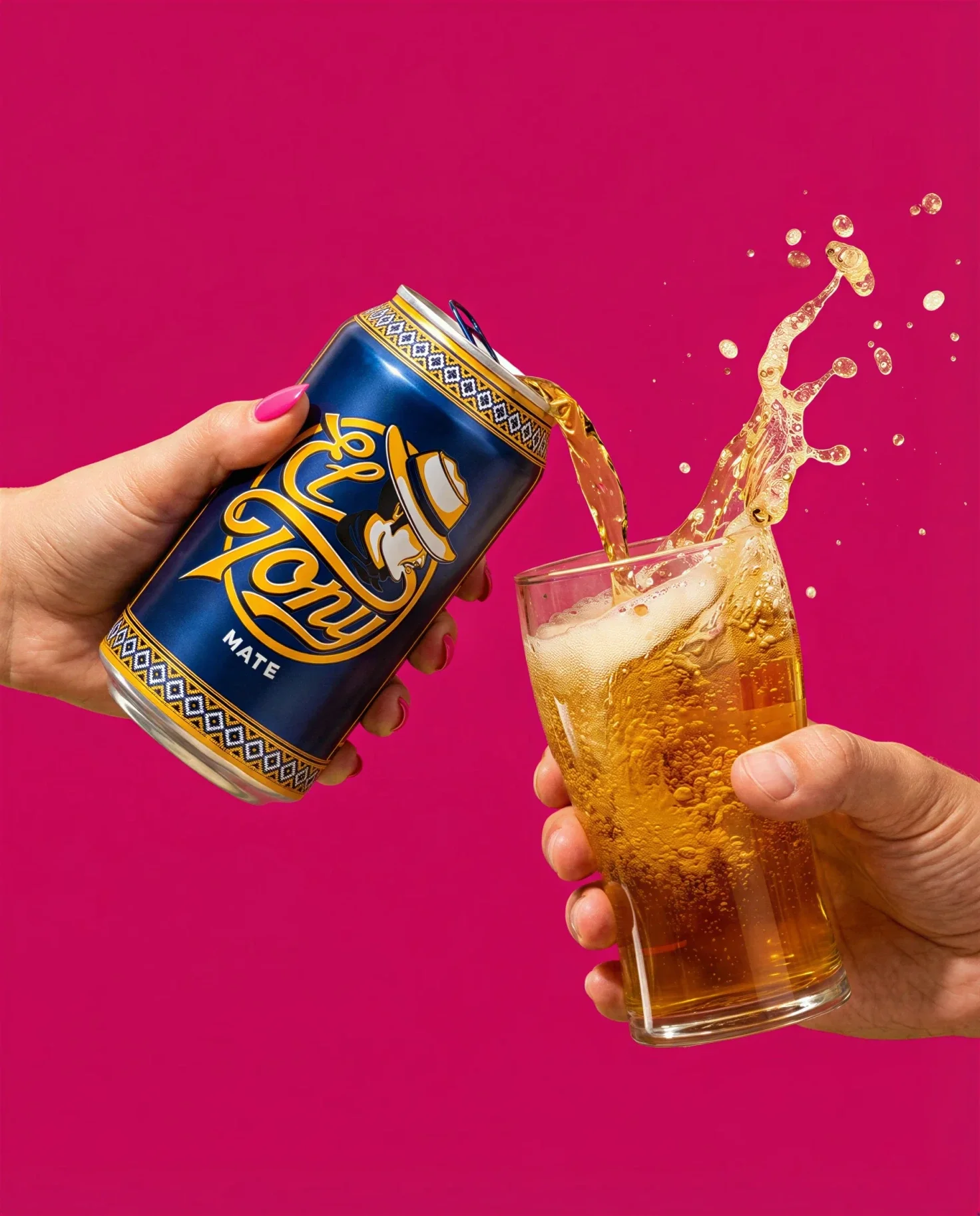
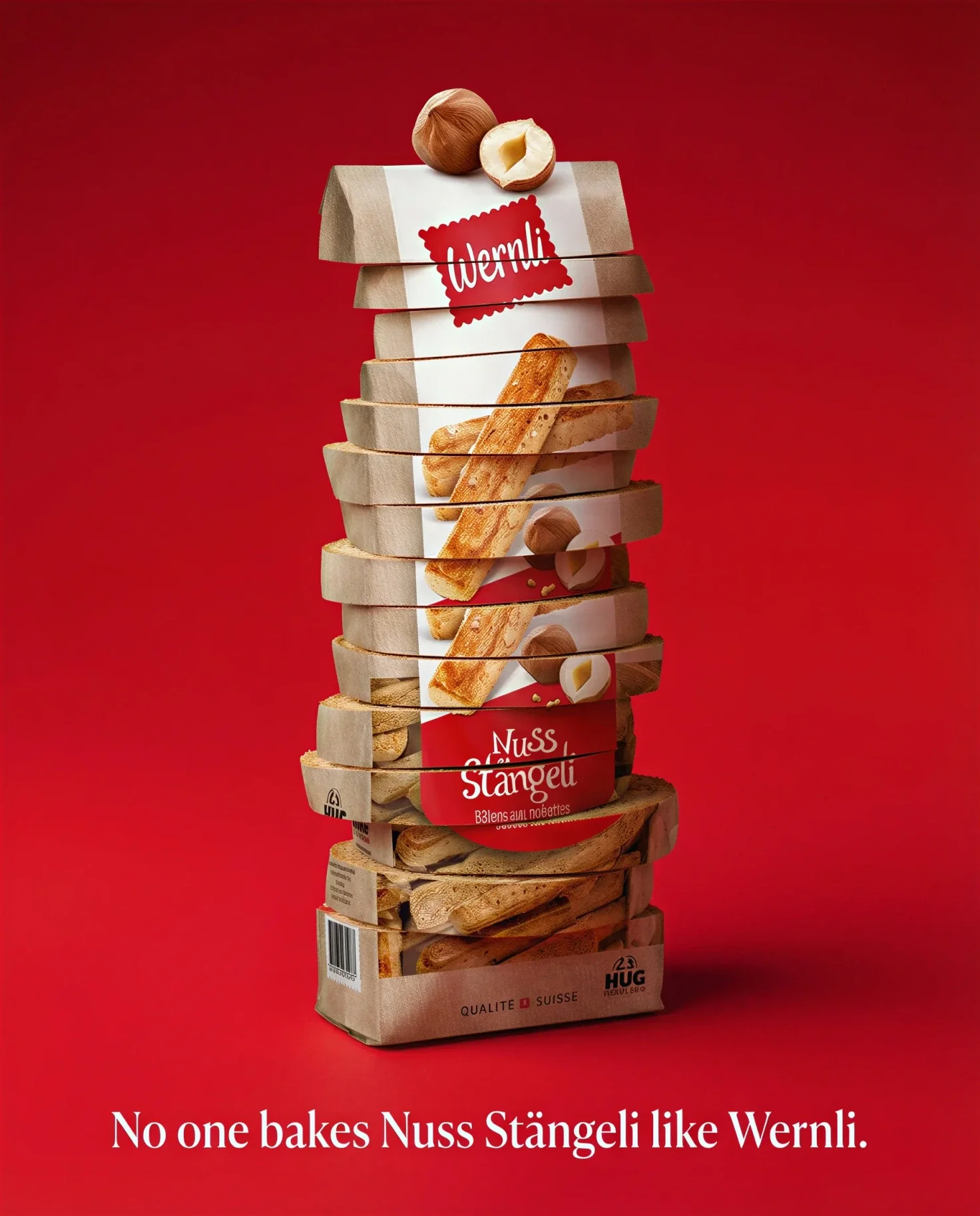
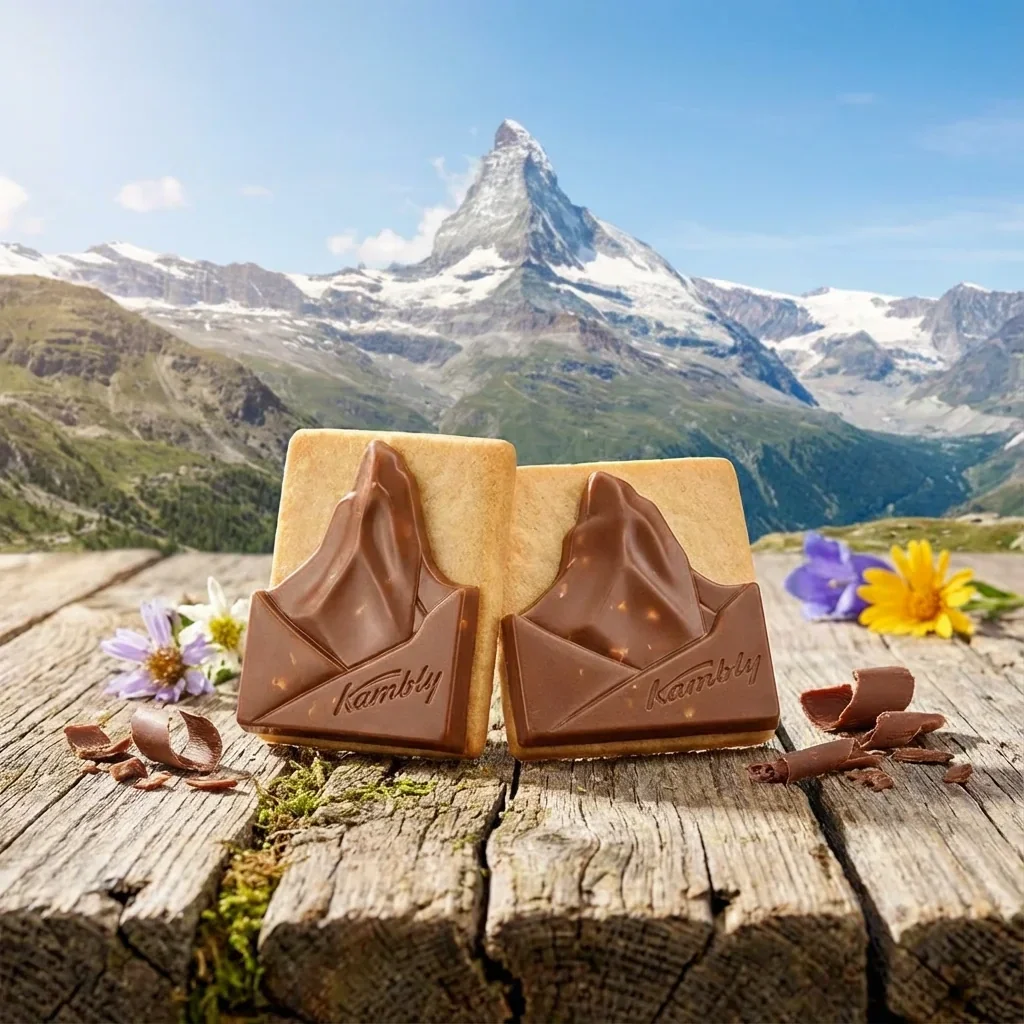
Generate campaign-ready product images for any season or occasion in seconds. Choose from 20 seasonal presets and create ad-ready visuals without rebooking a photographer.
Try campaign visualsBook a personalized demo and see your own products transformed into professional photos live.
Take a few photos of your product: one is enough to start, 2–5 give the best results. Use your phone or any camera — natural lighting is fine. Upload them to Samsa.

Samsa learns your product’s shape, texture, colors, and every detail. Training takes about 15 seconds. You train once, then create variants whenever you need them.

Open the Packshot Studio, choose a preset or customize your settings, and generate professional product photos instantly.
Upload photos of your product (one is enough, 2–5 give the best results) and Samsa trains an AI model on it in about 15 seconds. Then open the Packshot Studio, pick a preset or adjust the settings yourself, and generate photorealistic product photos in seconds. You can also write your own prompt for exactly the scene you want. Good lighting and a clean background help, but smartphone photos work too.
Any kind: white-background e-commerce shots, lifestyle images, catalog packshots, seasonal campaign visuals and dark-mood luxury advertising. The Packshot Studio has 37 presets, such as “Amazon Ready” for marketplaces or “Luxury Marble” for premium products, 20 seasonal presets for campaigns like Christmas or Black Friday, and 8 controls for background, lighting, camera angle, surface, shadows, reflections, composition and theme.
What a packshot has to deliver, from formats to marketplace backgrounds: What is a packshot?
Yes. If you have 3D files of your product or packaging (.glb, .obj, .fbx or .stl), you can use the 3D Rendering Studio to generate photorealistic packshots straight from your CAD files, with no physical product at all. An uploaded 3D model keeps its geometry and camera exactly, so the product stays true to its design.
No. Samsa generates packshots and product photos from a photo you already have, at a quality comparable to professional packshot photography, in 1K, 2K or 4K resolution. The results suit e-commerce listings, product catalogs, social media ads and print marketing, and because the model is trained on your own product, its shape, texture and colors carry over from one image to the next.
Yes. Once a model is trained on a product, you can generate photos in different styles, angles and backgrounds for every listing in your catalog, which suits large e-commerce catalogs, seasonal refreshes and multi-channel campaigns. The Packshot Studio also creates product videos from the same trained model, for social media, product pages and digital advertising.
Plans start at CHF 49 per month, or CHF 39 per month billed yearly, for 500 credits (about 100 product images at 1K). An image uses 5 credits at 1K, 10 at 2K and 20 at 4K, and model training is free and unlimited on every plan. All plans are on the pricing page.
Yes, on every plan, provided you hold the rights to the images you train your models on. You can then use the generated images for e-commerce, advertising, print, social media and any other commercial purpose. The help center explains the details: commercial usage rights for generated images.
Yes. Your product images and AI models stay private to your organization, and Samsa uses end-to-end encryption and is GDPR compliant. Your data is stored in the EU, with our primary data center in Frankfurt; some AI processing is done by providers outside the EU, as described in the privacy policy. Samsa is a Swiss company based in Lucerne.
Your products deserve professional photos. See what Samsa’s Packshot Studio can do with yours.
# AI Product Photography | Packshots & Product Photos | Samsa
> AI product photography: train Samsa on one photo of your product, then generate packshots and product photos in seconds. No photographer, no studio.
Language: English · Machine index: [https://samsa.ai/llms.txt](/llms.txt)
---
## AI Product Photography: Professional Product Photos. In Seconds, Not Days.
AI product photography with Samsa starts from a photo you already have: Samsa trains a model on it in about 15 seconds (2–5 photos give the best results), and the Packshot Studio generates studio-quality packshots and lifestyle shots in seconds. No photographer, no studio, no waiting.
[Sign up for free](https://app.samsa.ai/signup)
E-Commerce
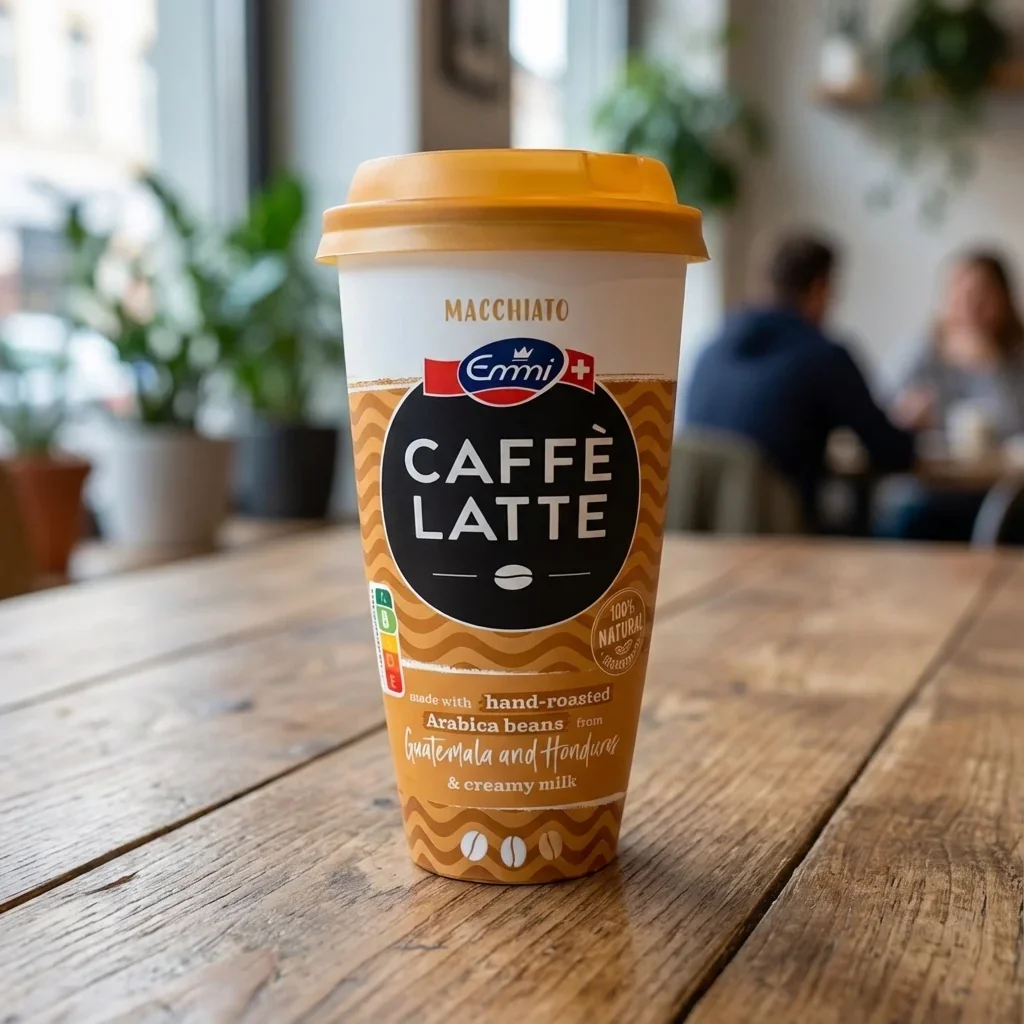
*(image: samsa-ai-emmi-caffe-latte-macchiato-cup-white-background-product-shot)*
E-Commerce
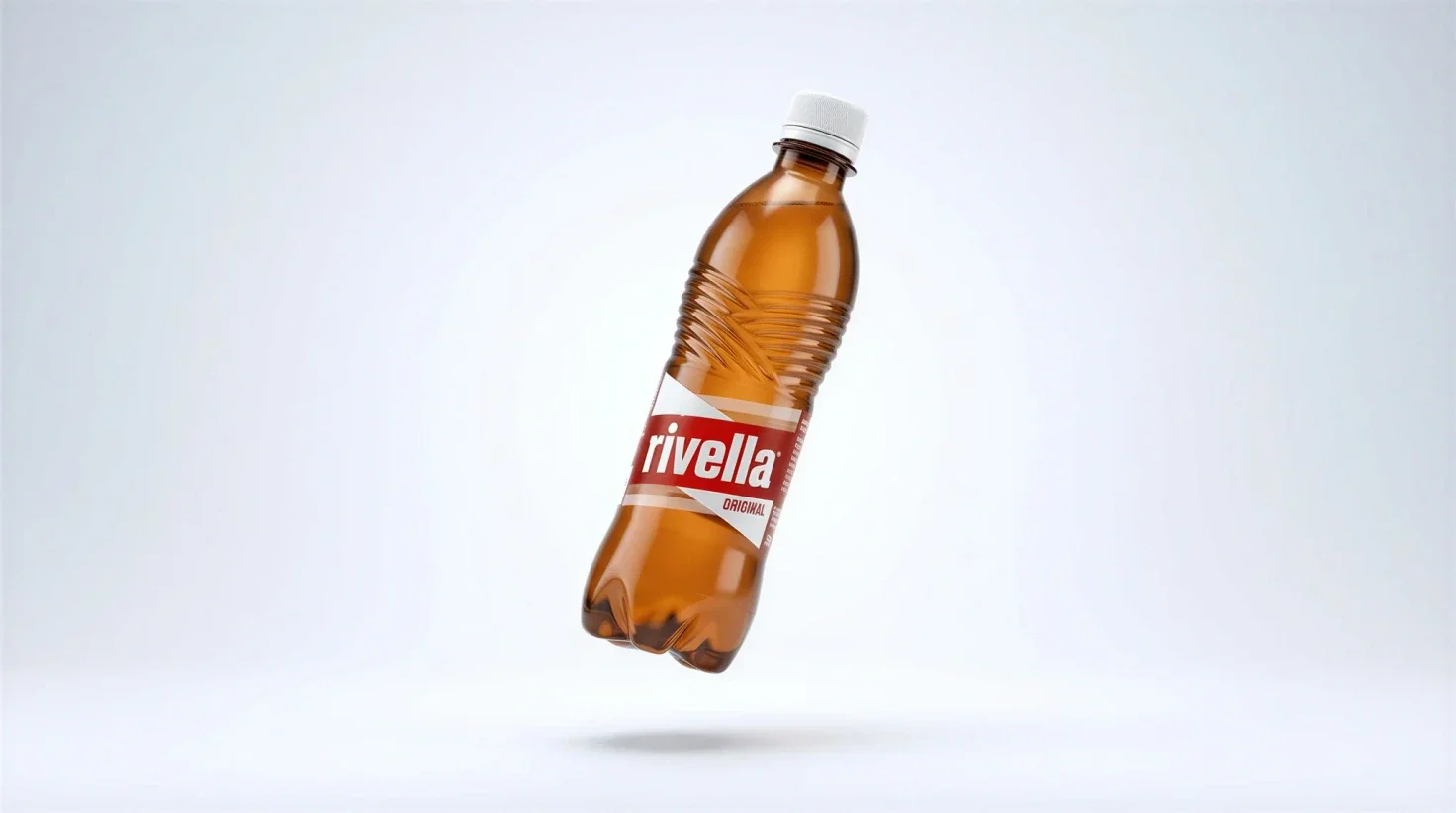
*(image: samsa-ai-rivella-original-bottle-floating-product-shot)*
Lifestyle
*(image: samsa-ai-el-tony-mate-can-pouring-glass-splash-social-media)*
Food & Beverage
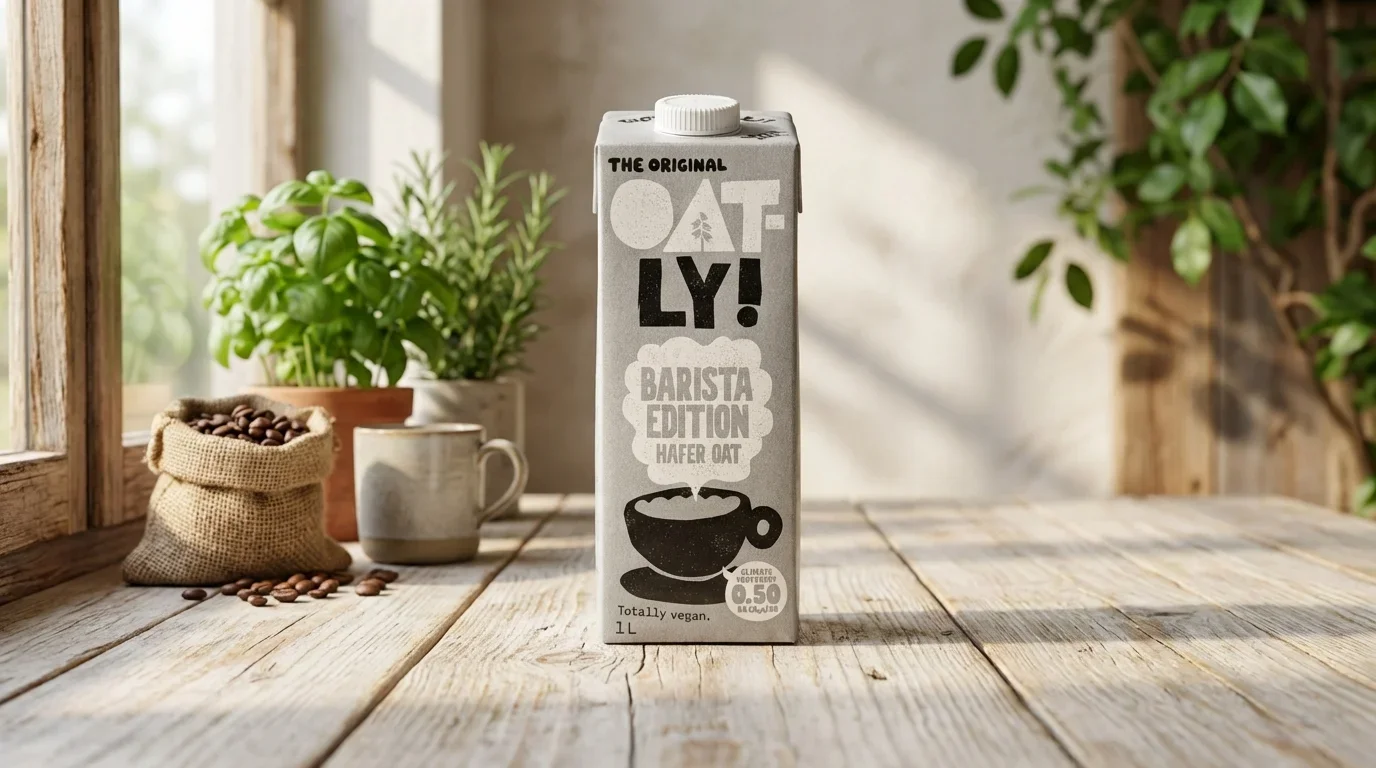
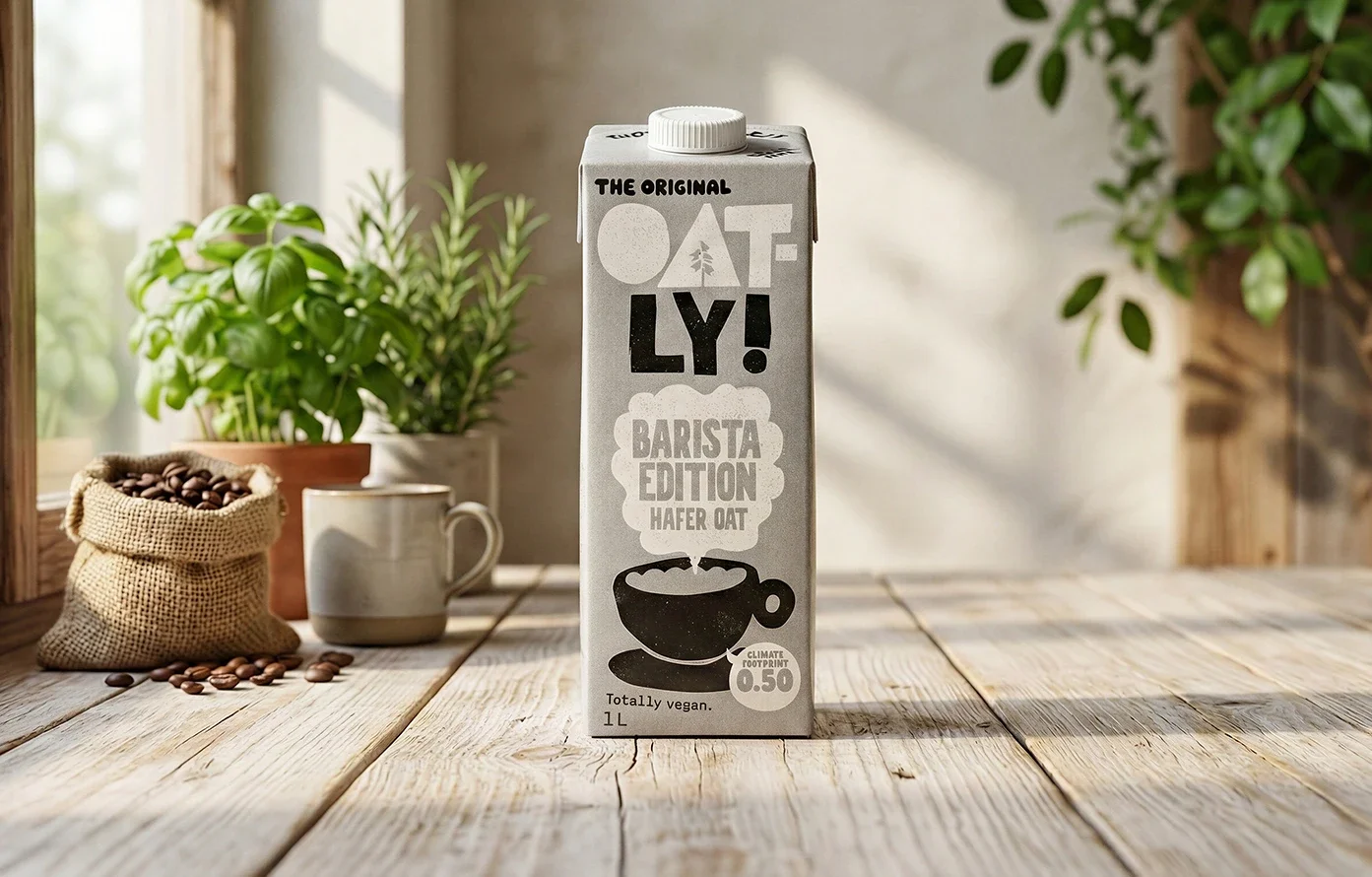
*(image: samsa-ai-oatly-barista-edition-oat-milk-wooden-table-product-shot)*
Cosmetics
*(image: samsa-ai-3d-visualization-cosmetic-serum-bottle-floating-petals)*
Food & Beverage
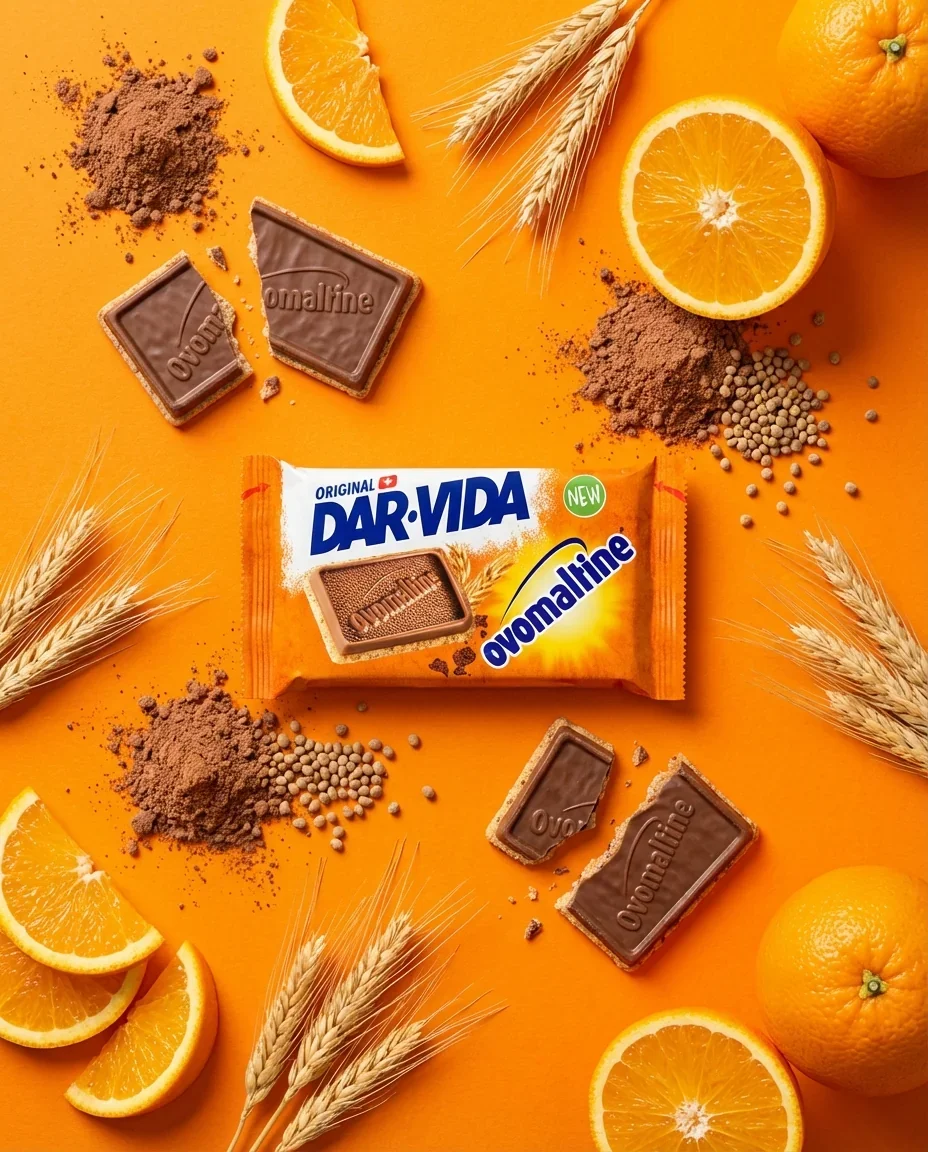
*(image: samsa-ai-dar-vida-ovomaltine-crackers-oranges-social-media)*
Electronics
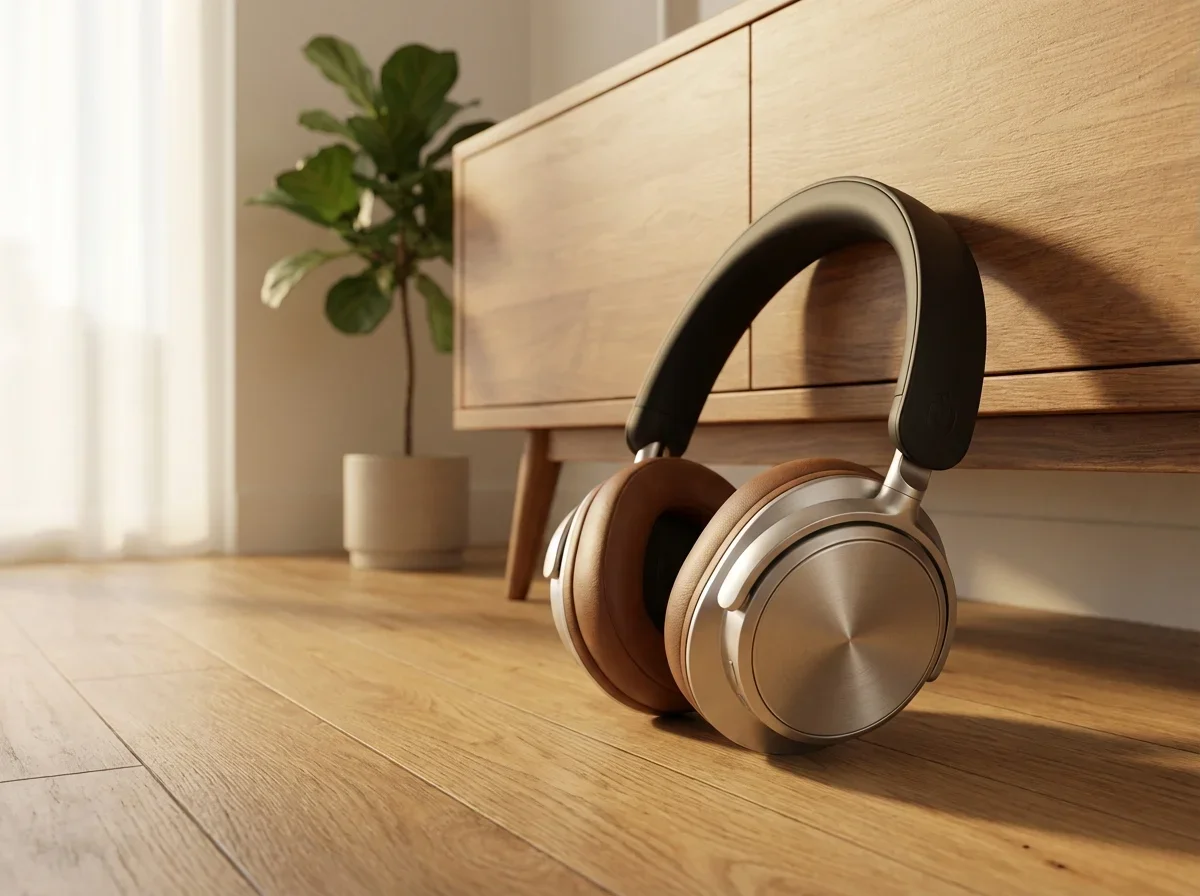
*(image: samsa-ai-premium-headphones-oak-floor-minimalist-interior-3d-rendering)*
Packshots
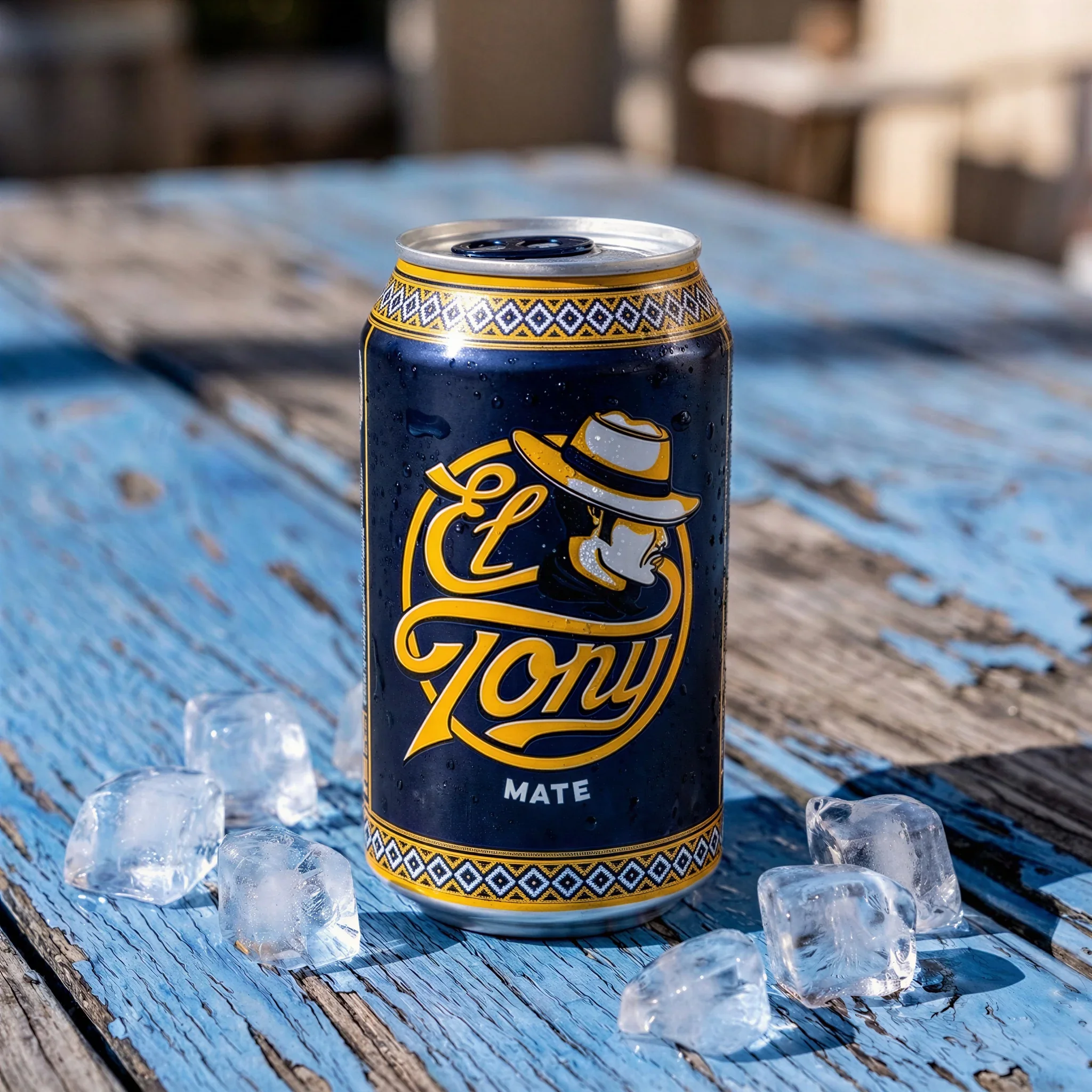
*(image: samsa-ai-el-tony-mate-can-ice-cubes-product-shot)*
Packshots
*(image: samsa-ai-emmi-caffe-latte-macchiato-cafe-product-shot)*
---
Trusted by 250+ brand and marketing teams in Switzerland
SRK · SPS · Michel · Ramseier · Switzerland Tourism · Hertz · Klett · Vontobel · PostFinance · Caprice des Dieux · Focus Water · Sanitas · Trisa · Rivella · Capri-Sun · Valrhona · Stadler Rail · Marché · Darvida · HUG · Wernli · Tartare · Transa · Bank WIR
---
**E-Commerce**
Generate product photos for your online shop — white backgrounds, consistent lighting, ready for Amazon and any online shop.
Explore E-Commerce
**Packshots**
Create professional packshots for catalogs, retail listings, and packaging presentations — consistent angles, perfect lighting, every time.
Explore Packshots
**Campaign Visuals**
Produce ad-ready product images for social media, print ads, and seasonal campaigns — from Christmas to Black Friday.
Explore Campaigns
---
## From Product Photo to Packshot in One Click.
*(before/after: Before — Product Photography · After — Packshots)*
---
### One tool for all your product photography needs
## E-Commerce Product Photography
Generate professional product photos for your online shop without a photographer or studio. Train AI on your product once, then create hundreds of consistent images in seconds.
[Try product photography](https://app.samsa.ai/signup)
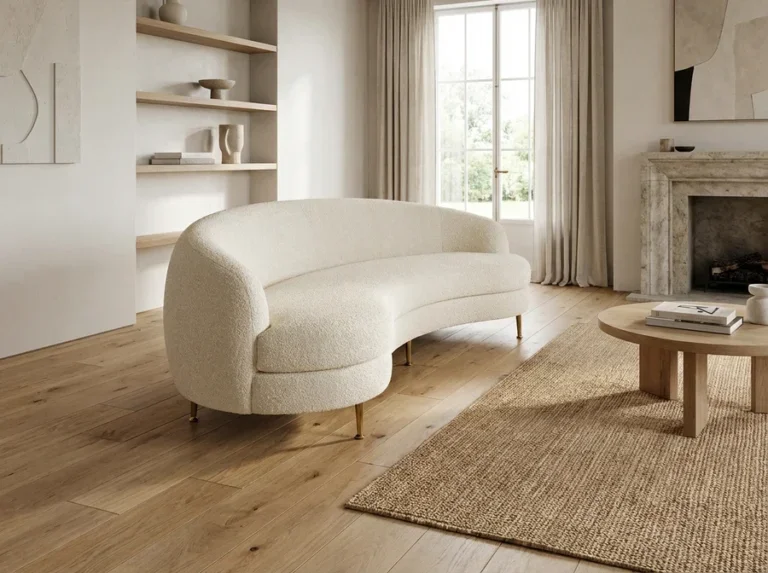
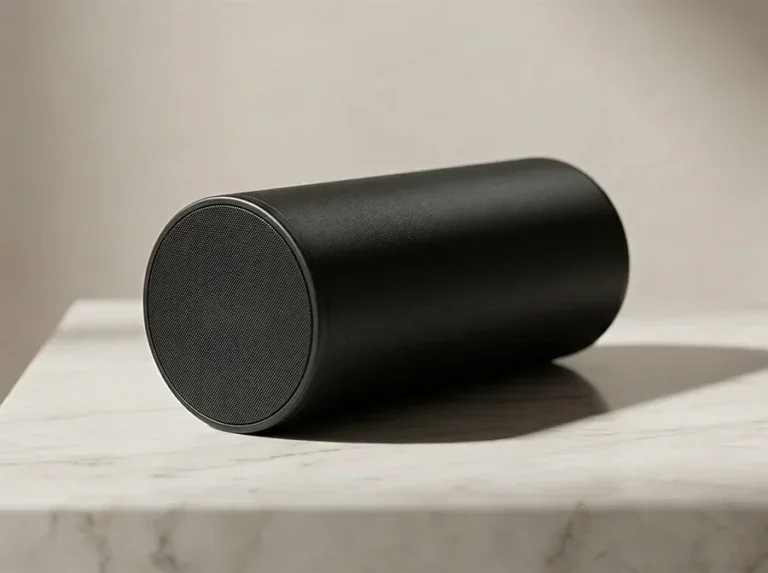
Rivella Original Bottle Floating Product Shot · 3d Visualization Boucle Curved Sofa Elegant Interior · Black Bluetooth Speaker Marble Surface 3d Rendering Kopie · Zueger Cottage Pearls Plant Based Bio Product Shot
El Tony Mate Colorful Textile Yerba Mate Flatlay Social Media · Jura Coffee Machine Office Lifestyle Product Shot · Amouage Guidance 46 Perfume Ice Product Shot · Premium Headphones Oak Floor Minimalist Interior 3d Rendering
## Professional Packshots & Catalog Images
Create photorealistic packshots for catalogs, retail listings, and packaging design. Full control over background, lighting, angle, and surface — no specialized equipment needed.
[Try packshot photography](https://app.samsa.ai/signup)
## AI Product Photos for Every Campaign
Generate campaign-ready product images for any season or occasion in seconds. Choose from 20 seasonal presets and create ad-ready visuals without rebooking a photographer.
[Try campaign visuals](https://app.samsa.ai/signup)
Lindt Lindor Valentines Heart Plates Social Media · El Tony Mate Can Pouring Glass Splash Social Media · Wernli Nuss Staengeli Hazelnut Biscuit Sticks Social Media · Kambly Matterhorn Chocolate Biscuits Social Media
---
### Your Products. Our AI. Studio-Quality Results.
Book a personalized demo and see your own products transformed into professional photos live.
[Get started](https://app.samsa.ai/signup)
---
### How it works
*(embedded: vimeo Video Player)* [https://player.vimeo.com/video/1168373309?color&autopause=0&dnt=true&loop=1&muted=1&title=0&portrait=0&byline=0#t=](https://player.vimeo.com/video/1168373309?color&autopause=0&dnt=true&loop=1&muted=1&title=0&portrait=0&byline=0#t=)
### 1
### Photograph your product
Take a few photos of your product: one is enough to start, 2–5 give the best results. Use your phone or any camera — natural lighting is fine. Upload them to Samsa.
*(image: Write)*
### 2
### Train your AI model in one click
Samsa learns your product’s shape, texture, colors, and every detail. Training takes about 15 seconds. You train once, then create variants whenever you need them.
*(image: Design)*
### 3
### Generate in the Packshot Studio
Open the Packshot Studio, choose a preset or customize your settings, and generate professional product photos instantly.
*(image: Use)*
---
## Frequently asked questions about AI product photography
### How does AI product photography with Samsa work?
Upload photos of your product (one is enough, 2–5 give the best results) and Samsa trains an AI model on it in about 15 seconds. Then open the Packshot Studio, pick a preset or adjust the settings yourself, and generate photorealistic product photos in seconds. You can also write your own prompt for exactly the scene you want. Good lighting and a clean background help, but smartphone photos work too.
### What kind of product photos can I create?
Any kind: white-background e-commerce shots, lifestyle images, catalog packshots, seasonal campaign visuals and dark-mood luxury advertising. The Packshot Studio has 37 presets, such as “Amazon Ready” for marketplaces or “Luxury Marble” for premium products, 20 seasonal presets for campaigns like Christmas or Black Friday, and 8 controls for background, lighting, camera angle, surface, shadows, reflections, composition and theme.
What a packshot has to deliver, from formats to marketplace backgrounds: [What is a packshot?](https://samsa.ai/guides/packshot/)
### Can I create packshots without a physical sample?
Yes. If you have 3D files of your product or packaging (.glb, .obj, .fbx or .stl), you can use the 3D Rendering Studio to generate photorealistic packshots straight from your CAD files, with no physical product at all. An uploaded 3D model keeps its geometry and camera exactly, so the product stays true to its design.
### Do I need a photographer or a studio for AI product photography?
No. Samsa generates packshots and product photos from a photo you already have, at a quality comparable to professional packshot photography, in 1K, 2K or 4K resolution. The results suit e-commerce listings, product catalogs, social media ads and print marketing, and because the model is trained on your own product, its shape, texture and colors carry over from one image to the next.
### Can I generate product photos for a whole catalog, and videos too?
Yes. Once a model is trained on a product, you can generate photos in different styles, angles and backgrounds for every listing in your catalog, which suits large e-commerce catalogs, seasonal refreshes and multi-channel campaigns. The Packshot Studio also creates product videos from the same trained model, for social media, product pages and digital advertising.
### How much does AI product photography cost?
Plans start at CHF 49 per month, or CHF 39 per month billed yearly, for 500 credits (about 100 product images at 1K). An image uses 5 credits at 1K, 10 at 2K and 20 at 4K, and model training is free and unlimited on every plan. All plans are on the [pricing page](/pricing/).
### Do I get commercial usage rights?
Yes, on every plan, provided you hold the rights to the images you train your models on. You can then use the generated images for e-commerce, advertising, print, social media and any other commercial purpose. The help center explains the details: [commercial usage rights for generated images](https://help.samsa.ai/en/articles/83-do-i-get-commercial-usage-rights-of-my-generated-images).
### Is my product data secure?
Yes. Your product images and AI models stay private to your organization, and Samsa uses end-to-end encryption and is GDPR compliant. Your data is stored in the EU, with our primary data center in Frankfurt; some AI processing is done by providers outside the EU, as described in the [privacy policy](/privacy-policy/). Samsa is a Swiss company based in Lucerne.
---
### Stop Shooting. Start Generating.
Your products deserve professional photos. See what Samsa’s Packshot Studio can do with yours.